
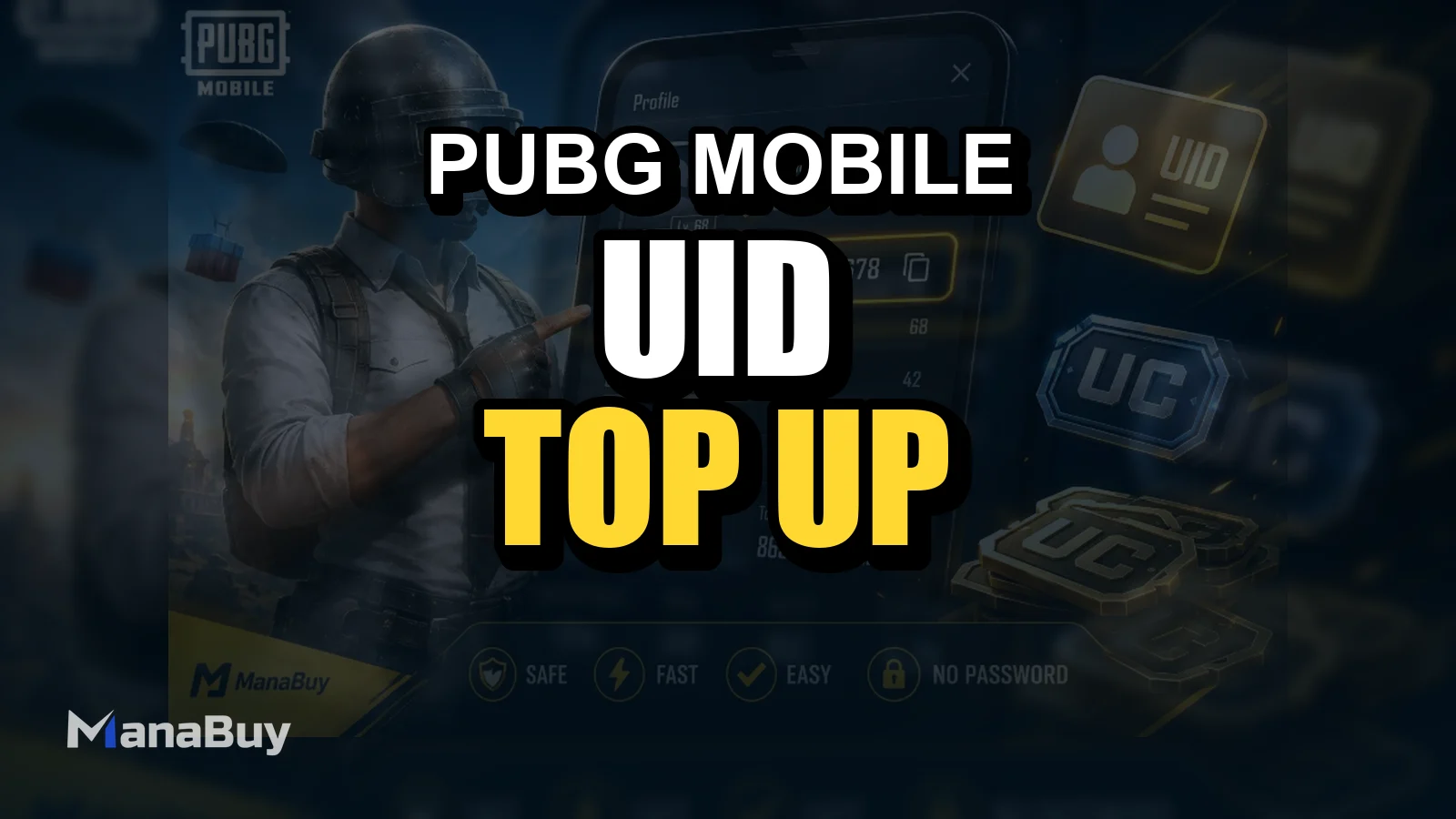
How to Top Up PUBG MOBILE UC Safely with UID

For PUBG MOBILE players, UC is often used for Royale Pass, skins, Lucky Spin, crates, limited-time bundles, and event rewards. Before a new season or major event begins, many players prepare UC in advance. But before placing an order, there are three things worth checking first: choose the right UC package, enter the correct PUBG MOBILE UID, and make sure the top up page supports your game version or region.
This guide explains what PUBG MOBILE UC is used for, why UID-based top up is convenient, and how to complete a PUBG MOBILE UC top up on ManaBuy.
What Is PUBG MOBILE UC Used For?
PUBG MOBILE UC is the premium currency used in PUBG MOBILE. Players can use UC to buy Royale Pass, character outfits, weapon skins, Lucky Spin draws, crates, event items, and selected limited-time bundles.

Different players buy UC for different reasons. Some only need a small amount for an event, while others may be preparing for a new season pass, collaboration skin, or limited-time draw. Knowing what you plan to spend UC on before topping up can help you choose a more suitable UC package and avoid repeated small purchases.
Why Use UID to Top Up PUBG MOBILE UC?
When you make a PUBG MOBILE UC top up on ManaBuy, the process is mainly based on UID. In most cases, players only need to provide their PUBG MOBILE UID. No game password is required.
Your UID is the key information used to identify your account. It is more stable than a nickname and more suitable for order matching. If the UID is correct, the top up process is more direct. If the UID is wrong, the order may need manual checking, or in some cases, the UC may be delivered to the wrong account.
If you are not sure where to find your UID, you can read our PUBG MOBILE UID guide before placing your order.
Before You Top Up: Check These Details First
Confirm your PUBG MOBILE UID
Make sure the UID belongs to the PUBG MOBILE account you actually want to top up. Do not enter your nickname, clan name, character name, or any unclear number from a screenshot. The safest way is to check and confirm your UID directly from your in-game profile page.
Check your game version or region
PUBG MOBILE may have different versions, service regions, or recharge rules depending on the area. Before placing an order, check the product page carefully and confirm whether the PUBG MOBILE UC top up supports your account version or region.
Choose the right UC package
When choosing a UC package, think about your actual in-game goal. Are you preparing for Royale Pass, a limited-time skin, Lucky Spin, or simply keeping some UC ready for future use? Choosing based on your goal is usually clearer than making several small top ups later.
If you are not sure which amount to choose, compare common spending goals in our PUBG MOBILE UC package guide.
Related PUBG MOBILE UC Guides
If you are topping up PUBG MOBILE UC for the first time, it may help to check your UID, understand whether login is required, and know what to do if payment or delivery looks delayed.
- How to find your PUBG MOBILE UID before buying UC
- Can you top up PUBG MOBILE UC without login?
- What to check if PUBG MOBILE UC is not received
- PUBG MOBILE UC payment failed checklist
- Where to buy cheap PUBG MOBILE UC safely
How to Top Up PUBG MOBILE UC on ManaBuy
After confirming your UID and top up goal, you can buy PUBG MOBILE UC on ManaBuy. The process is simple: choose a UC product, enter your UID, complete payment, and wait for the order to be processed.
Step 1
Go to the ManaBuy PUBG MOBILE UC Top Up page. There, you can view the available PUBG MOBILE UC products and choose the package that fits your needs.

Step 2
Enter your PUBG MOBILE UID on the order page. Avoid typing it from memory. It is better to copy it from your in-game profile page or check each digit carefully from a screenshot. Your UID is the key information used to match the order to your account, so make sure it is correct before submitting.

Step 3: Complete payment and check your UC balance
After confirming the product and UID information, choose an available payment method and complete the payment. You can check our PUBG MOBILE UC payment methods guide if you want to compare available options before ordering. Once the order is processed, reopen PUBG MOBILE or refresh your UC balance to check whether the UC has arrived.

How Long Does PUBG MOBILE UC Top Up Take?
The delivery time for PUBG MOBILE UC top up may depend on payment confirmation, order status, UID accuracy, and system processing. Most orders are processed quickly, but delivery time should not be treated as a fixed guarantee.
If the UC does not appear immediately, try reopening the game or refreshing your balance first. If it still has not arrived, contact ManaBuy customer support and provide your order number, UID, and relevant screenshots so the team can check the order more efficiently.
If your payment was successful but UC still has not appeared after refreshing the game, follow our PUBG MOBILE UC not received guide before placing another order.
Is It Safe to Buy PUBG UC with UID?
One advantage of using UID to top up PUBG MOBILE UC is that players usually do not need to provide their game password. For many users, this method is simpler and makes it easier to understand what information they are sharing.
For more details about password-free checkout, read our PUBG MOBILE UC without login guide.
That said, safe top up also depends on choosing a platform that clearly shows product information, the order process, and customer support options. When buying PUBG MOBILE UC, avoid unclear sources, vague product pages, or prices that look unusually unrealistic. Checking your UID, version, and product details before payment can prevent many order issues.
FAQ About PUBG MOBILE UC Top Up
Do I need my PUBG MOBILE password to top up UC?
Usually, no. ManaBuy uses a UID-based PUBG MOBILE UC top up process, so players mainly need to provide their PUBG MOBILE UID instead of a game password.
Can I buy PUBG MOBILE UC on ManaBuy?
Yes. You can visit the ManaBuy PUBG MOBILE UC Top Up page, choose a UC package, enter the correct UID, and complete payment.
What should I do if I entered the wrong UID?
If you entered the wrong UID, contact ManaBuy customer support as soon as possible. Provide your order number, the correct UID, and relevant screenshots so the support team can check the order status.
What should I do if my payment failed?
If your card, PayPal, or wallet payment fails, do not repeat the same order too many times right away. Check whether the payment was actually deducted first, then review the PUBG MOBILE UC payment failed checklist before trying again.
Final Thoughts
To complete a PUBG MOBILE UC top up smoothly, the key is not a complicated process. It is making sure your information is accurate before payment. Confirming your UID, choosing the right UC package, and checking your account version or region can help reduce most top up problems.
If you have confirmed your PUBG MOBILE UID and are ready to buy UC, go to the PUBG MOBILE UC top up page, choose the package you need, and complete your order. Always check your UID, game version, and UC amount before payment to reduce delivery delays.



Copyright © FUTURE OUTLOOK TECHNOLOGY LIMITED.Company Registration No.: 77374965 All rights reserved.UNIT 135,1/F.,143 WAI YIP STREET,KWUN TONG HK