When does Free Fire Storm Arena start and end?
The official preview lists November 6–28, 2026. Check the event page for the exact server-local opening and closing time.

Free Fire's Storm Arena is scheduled for November 6–28, 2026. Garena's official preview shows storm-modified Battle Royale and Clash Squad matches, an MVP ranking layer, Storm Airdrops, and free event rewards.
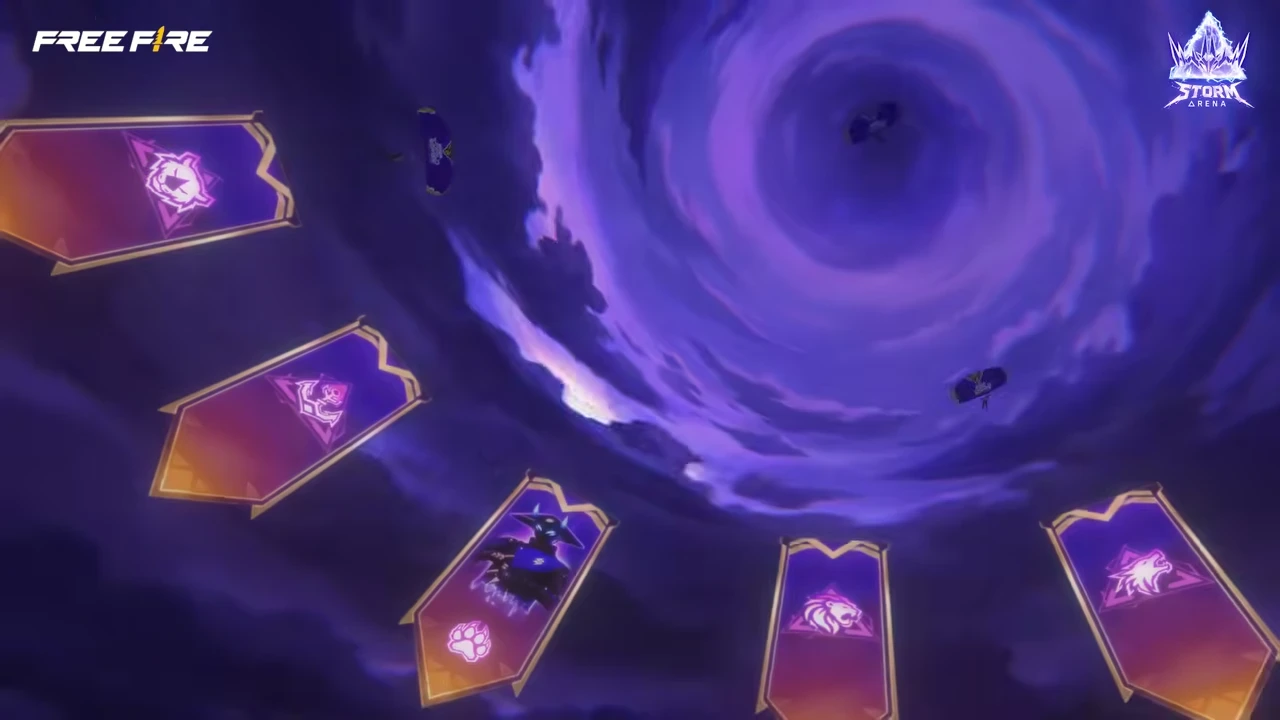
Source: Garena Free Fire Storm Arena trailer — Storm Arena adds weather pressure to familiar BR and CS decisions, so use the first matches to relearn timing.

Source: Garena Free Fire Storm Arena trailer — The campaign promotes the Cosmic Overlord Bundle and Evo Gun while the description separately identifies the free MP5, emote, and Monster Truck rewards.
| Item | Confirmed in the official preview | Verify in the live client |
|---|---|---|
| Event dates | November 6–28 | Server-local opening and closing time |
| Modes | Storm-modified BR and CS | Ranked/casual eligibility and available maps |
| Competitive layer | MVP rankings | Scoring formula, tiers, reset rules |
| Special objective | Storm Airdrop | Spawn timing, contents, and contest rules |
| Free rewards | MP5 gun skin, emote, Monster Truck skin, and more | Exact item names/variants, missions, thresholds, and regional pool |
| Headline cosmetics | Cosmic Overlord Bundle and an Evo Gun are promoted | Acquisition route, regional Diamond price, odds or token exchange |
Eligible modes, missions, and rewards may differ by region. Open the event center on your account before queuing, and use its timer and rules as the final check.
| Screen to capture | What it proves | Stop condition |
|---|---|---|
| Event landing page | Regional dates and eligibility | Do not copy another server's timer |
| Mission list | Queues, targets, and reset cadence | Do not grind until the queue is confirmed |
| Reward preview | Exact items and claim thresholds | Do not repeat speculative reward lists |
| MVP rules | Scoring, tiers, and reset behavior | Do not optimize from three matches alone |
| Any paid offer | Diamond price, contents, and event type | Compare it with the 300/800-Diamond Booyah Pass reference before buying |
Garena's trailer description lists an MP5 gun skin, emote, and Monster Truck skin as free headline rewards. The exact regional item variant, mission threshold, claim date, and server coverage remain unconfirmed. The same trailer promotes the Cosmic Overlord Bundle and an Evo Gun, but it does not provide one global Diamond checkout price or state that those premium-looking items are free. Compare overlapping deadlines in the Free Fire events and Luck Royale tracker before choosing which reward route to finish first.
| Reward group | What is known now | What to check on November 6 |
|---|---|---|
| MP5 gun skin | Advertised as a free reward | Exact skin name, mission total, permanent/temporary status |
| Emote | Advertised as a free reward | Which emote and how many matches or tokens are required |
| Monster Truck skin | Advertised as a free reward | Claim milestone and whether the reward is regional |
| Cosmic Overlord Bundle | Featured in the official campaign | Direct bundle, pass, Luck Royale, token exchange, or another route |
| Evo Gun | Featured in the official campaign | Weapon name, upgrade levels, token costs, and regional availability |

Use the first three matches to learn storm timing, safe rotations, and when an airdrop fight has a reliable exit.
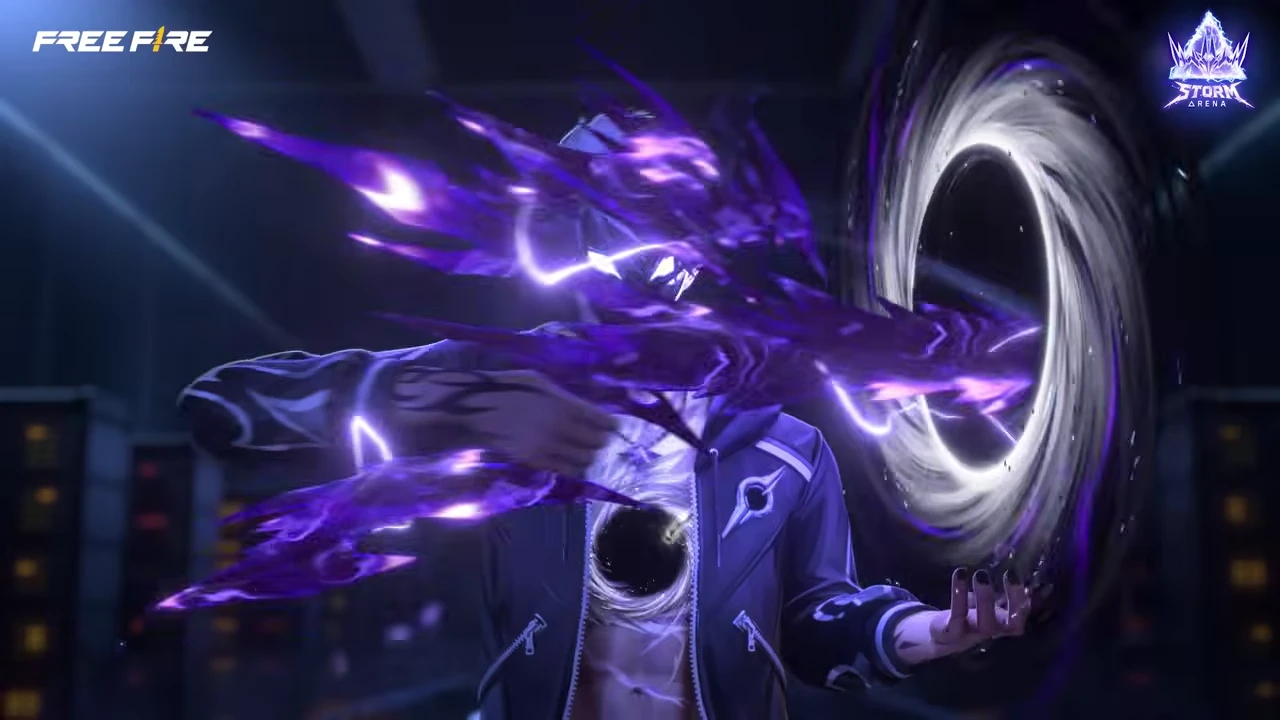
Source: Garena Free Fire Storm Arena trailer — Keep hard cover and an exit route nearby before contesting a storm objective.
Normal BR planning already balances safe-zone timing, loot, vehicles, high ground, and enemy information. Storm Arena adds another layer that can punish a team that waits too long or crosses exposed ground without a second route.
Use a simple three-step callout:
Storm Arena arrives on top of the OB55 Battle Royale baseline. Garena's current patch notes say ordinary Airdrops begin around 160 seconds with four per match, while Defense and Ultra Airdrops arrive around 410 seconds. The event can alter presentation or objectives, so use these numbers as a baseline to recognize what Storm Arena changes—not as a promise that every event queue keeps identical timing.
| Match cue | Current OB55 baseline | Storm Arena action |
|---|---|---|
| Destructive storm | Razing Storm can force players into buildings | Mark two hard-cover routes before leaving the drop zone |
| Regular Airdrops | Around 160s; four per match | Do not confuse a standard drop with the event's Storm Airdrop |
| Defense/Ultra Airdrop | Around 410s | Expect multiple squads and hold an exit lane before touching loot |
| Ultra Airdrop reward | Lv. 5 armor plus teammate revival in the standard rule | Check whether Storm Arena keeps or replaces this rule |
Do not let the airdrop replace the exit plan. A squad that reaches the reward first but leaves through one predictable line can lose more than it gains.
Use the first match to learn, not chase MVP. Record when the storm state appears, how clearly it is telegraphed, whether vehicles remain reliable, and when Storm Airdrops enter play. This gives more value than copying a route from another region where rules may differ.
Rotate before the route becomes crowded. Keep cover between the squad and the likely airdrop approach. Assign one player to watch the rear instead of sending all four players to the crate.
Only contest when the squad has information, utility, and a retreat route. Approach from split angles but maintain trading distance. If two enemy teams are already fighting, hold the edge and decide whether a late cleanup is safer than touching the drop.
| BR situation | Safer choice | Common mistake |
|---|---|---|
| Storm reduces information | Shorter rotations between hard cover | Sprinting across open ground because no enemy is visible |
| Airdrop lands outside current route | Keep zone priority unless the reward changes the match | Abandoning the next safe position for unknown loot |
| Squad reaches drop first | One loots, others hold angles | All players face the crate |
| Multiple teams contest | Play the edge and preserve an exit | Entering the center with no utility |
| Teammate is isolated | Regroup before the next objective | Chasing individual MVP stats |
CS rounds are shorter, so information from the first storm interaction must immediately change the next buy and route. Use the Free Fire Clash Squad guide for the underlying economy and round-control decisions, then adjust them for the storm rules.
Check the live CS buy phase and objective timer before changing your normal purchase route. Until the client lists a special shop cost or round modifier, use the standard economy and keep enough utility for the next round.
The official preview confirms an MVP ranking element, but the full scoring formula should be read in game. Until then, use team-impact metrics instead of guessing which stat is worth the most.
Track these after each match:
After three matches, compare the point change with your actions. That small sample will show whether the event rewards survival, damage, objective play, or a blend on your server.
Use position + information + exit as the minimum requirement.
If only one condition is present, skip or watch the drop. If two are present, pressure from range and wait for more information. With all three, one player can interact while the rest cover.
Free rewards do not justify spending Diamonds unless the live event explicitly offers an optional paid route with clear value. Do not top up based on a preview image or another region's shop.

Complete the free reward route first, then compare any pass, bundle, or random offer with a fixed Diamond cap.
The playable Storm Arena event is presented as a free event. The price question applies to any linked pass, bundle, or random cosmetic offer, not to entering the mode. Garena has not published one global Storm Arena checkout price, so the useful planning number is the price pattern from recent Booyah Passes: 300 Diamonds for Premium and 800 Diamonds for Premium Plus on markets using those tiers. Some servers have shown a lower base price, so the live shop remains the authority. The Free Fire Booyah Pass guide explains what the Premium and Premium Plus tiers normally change.
| Route | Planning price | What the number means | Buy/skip rule |
|---|---|---|---|
| Storm Arena gameplay and free missions | 0 Diamonds | Event entry and free reward route | Claim first; no top-up needed |
| Booyah Pass Premium reference | about 300 Diamonds | Historical standard tier, not a confirmed Storm Arena SKU | Buy only if the live pass contains rewards you will finish |
| Booyah Pass Premium Plus reference | about 800 Diamonds | Historical premium-plus tier with progress/value extras | Skip if the added rewards do not justify the extra 500 Diamonds |
| Cosmic Overlord / direct cosmetic bundle | Live regional price | The official campaign confirms the bundle, not one global checkout price | Compare the item with the pass and buy the cheaper route that owns your target |
| Evo Gun / Luck Royale or token draw | No honest fixed total without live odds/exchange | Upgrade tokens can make the full cost much higher than the first unlock | Set separate unlock and upgrade ceilings before the first paid spin |
Do not write “Storm Arena costs 300 Diamonds.” That would confuse the event with a possible pass. The accurate statement is: the event is free, while a linked pass can be budgeted at the recent 300/800-Diamond pattern until the November 6 shop confirms the regional price.
Brazilian servers may use different menus, missions, reward pools, eligibility, or timing. Do not copy a global event timer or Diamond price into a Brazilian account plan; wait for Garena Brazil or the local client to display the applicable rules.
The official preview lists November 6–28, 2026. Check the event page for the exact server-local opening and closing time.
The preview shows storm-modified BR and CS content. Confirm the exact eligible queues and maps in your client on launch day.
It is a special event objective shown in the official preview. The live client should be used for its spawn rules, contents, and any mission credit.
An MVP ranking layer is confirmed, but the complete scoring formula needs to be read from the live event. Track the post-match point change for your first three games before optimizing.
Do not assume so. Dates and the broad event concept can be global while missions, reward pools, and menus differ by region.
The mode and free missions need no Diamonds. If your client links a Booyah Pass, use 300 Diamonds for Premium and 800 for Premium Plus as historical planning references, then replace those numbers with the live regional price before paying. Do not use the pass price as a budget for a random draw.
Use the first three matches to identify the weather cue, eligible queues, scoring change, and safe exits from Storm Airdrops. Follow the confirmed free MP5, emote, and Monster Truck routes first; then compare any Cosmic Overlord, Evo Gun, or pass offer with the historical 300/800-Diamond pass budget. Keep Brazil-specific rules blocked until local evidence appears. Position and information matter more than rushing the first event objective you see.

Copyright © FUTURE OUTLOOK TECHNOLOGY LIMITED.Company Registration No.: 77374965 All rights reserved.UNIT 135,1/F.,143 WAI YIP STREET,KWUN TONG HK