
How to Top Up Delta Force Coins: Global Account, UID and Delivery Checks

To top up Delta Force Coins safely, first confirm that the receiving account uses the international Global version rather than Garena. The ManaBuy Global product needs the numeric UID from the exact receiving profile and does not require a server selection or game password. Copy the UID, choose a coin amount for a confirmed store or pass purchase, and check the completed order against the same account.
Start with the account version, not the coin pack
Global, Garena and platform labels are routing checks
“Delta Force” is not enough information by itself. Confirm the edition shown on the account and the product page before selecting any Coin package. A Global-account top-up should not be treated as interchangeable with a Garena route. The operator, login method, store label and available products can differ even when the game art looks the same.
What you need for a Delta Force Coins top-up
| Required check | Where to verify it | Reason |
|---|---|---|
| Global account version | Installed client, publisher route, and account context | The ManaBuy product covered here excludes Garena. |
| Numeric UID | Receiving account profile | Routes the Coins to the intended account. |
| Coin target | Current store, Season Pass, card, or cosmetic screen | Prevents an undersized order or an idle paid balance. |
| Final payment total | Checkout after selecting a payment method | Shows the final amount before authorization. |
How to find the Delta Force UID
- Open the exact account that should receive the Coins.
- Select the profile icon in the lobby.
- Find the numeric UID on Personal Info and use the copy control when available.
- Compare the first and last digits after pasting. A nickname, rank, clan tag, or device name is not a UID.
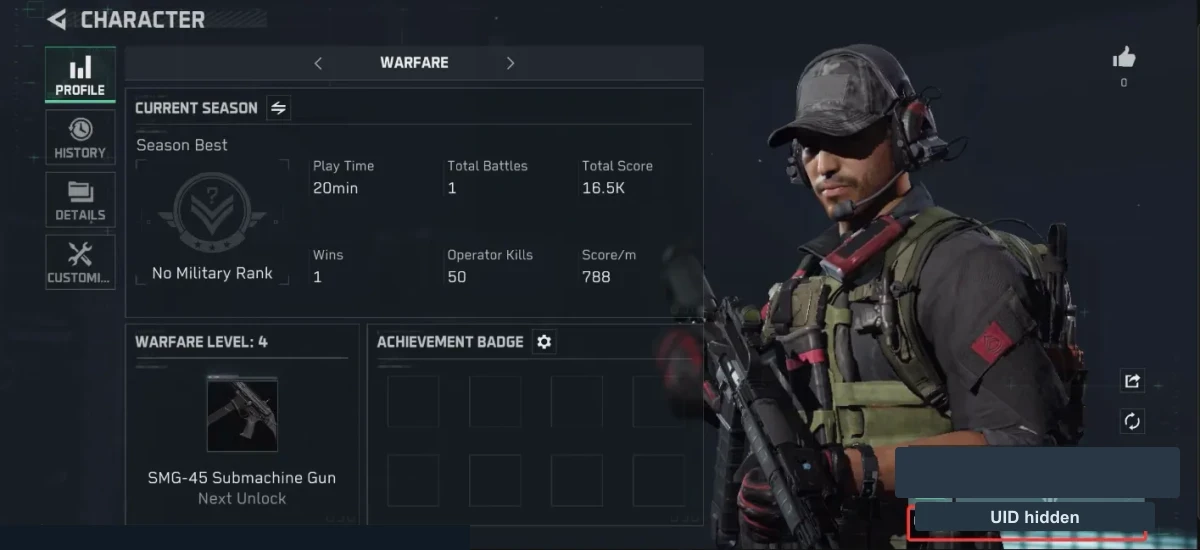
The official Delta Force redemption page shows two reliable places to read the UID: the lobby area and the profile page. The sample numbers in the reference images below are masked; copy only the UID visible on your own account.
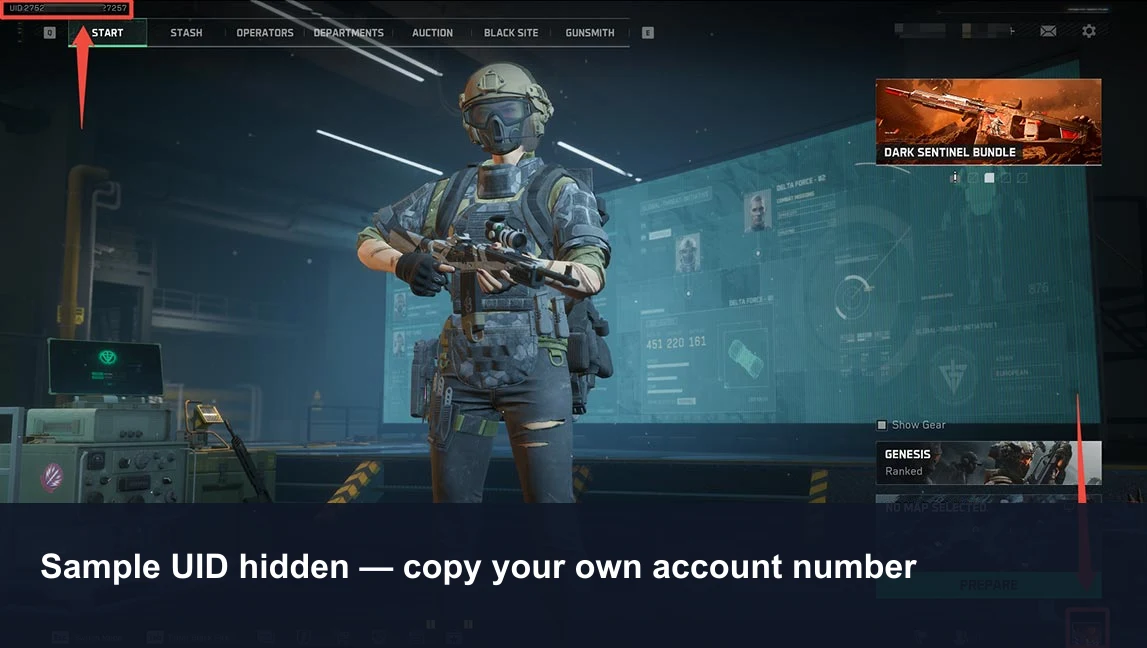 Lobby routeUseful when you are already on the main screen.
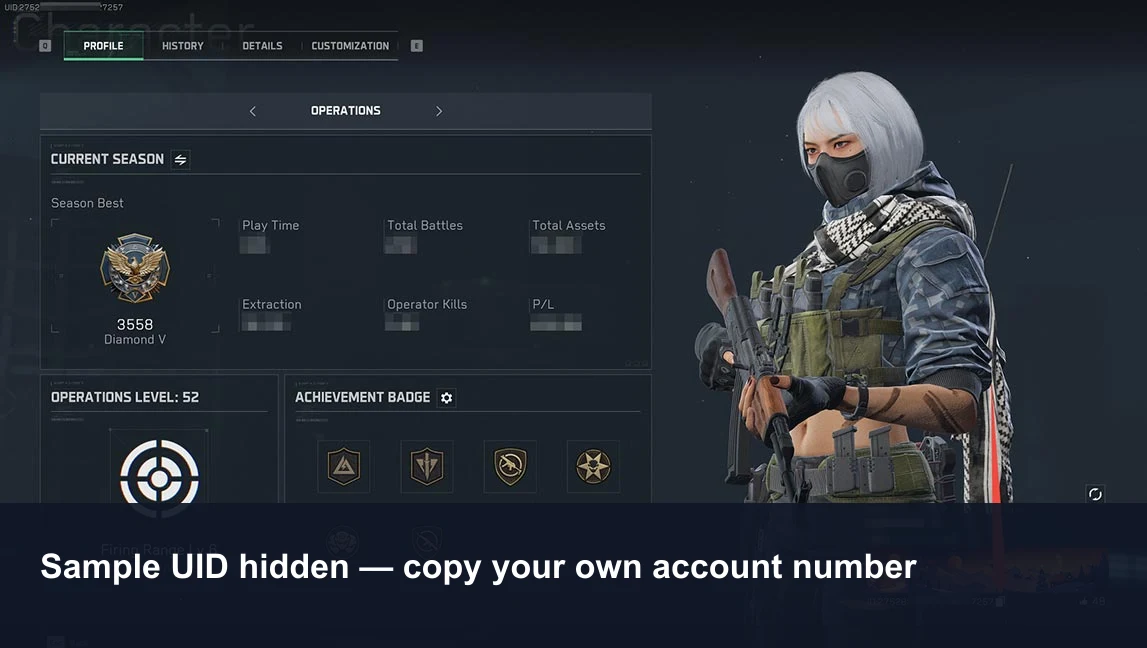 Profile routeUseful for a second check before checkout.
How to top up Delta Force Coins on ManaBuy
- Open the Delta Force Global top-up page.
- Choose a coin package or card based on the purchase you already checked in game.
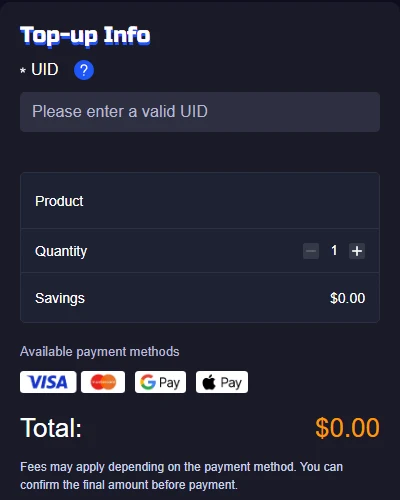
- Paste the UID from the receiving profile. No separate server selection is required for this product.
- Confirm the product name, package, quantity, UID, payment method, and final total.
- Complete one payment, keep the order number, and check the balance on the same Global account when the order finishes.
Check the exact Delta Force destination before buying
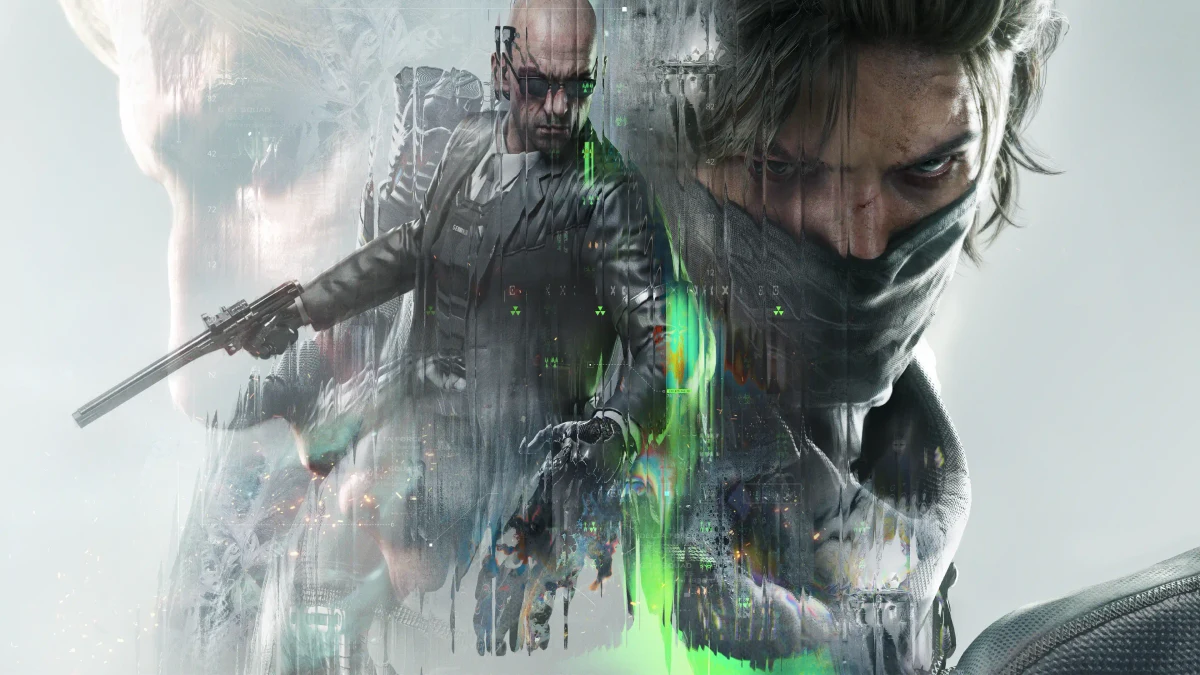
Delta Coins are a paid balance, but some listings are delivered as named items or access products rather than a generic Coin amount. Read the product title and delivery description as carefully as the quantity. A Season Pass, card or limited package should be checked on its own in-game screen; do not assume every paid product will first appear in the Coin balance.
If you play on more than one device, use the account identity—not the hardware—as the deciding factor. Open the live profile, compare the UID with checkout, and confirm the operator or region label. After delivery, return to that same account and check the balance, mail, pass screen or inventory destination named by the product.
For a gift, ask the recipient for a fresh UID screenshot and their account edition. Do not ask for a password or verification code. If either the Global/Garena route or the receiving UID is uncertain, stop before payment instead of testing the destination with a small order.
Choose Coins, a card, or the Season Pass by use case
The best option is not automatically the package with the lowest unit price. Match the purchase route to when and how you will use the balance.
| Need | Starting choice | Decision rule |
|---|---|---|
| One store item | Smallest Coin pack covering the shortfall | Subtract the current Coin balance from the item's live price. |
| Season Pass | Check the pass price and remaining season time | Do not buy the currency until the account can still complete enough levels. |
| Daily value | Compare Weekly or Monthly Card terms | Use a card only if you will log in often enough to collect the scheduled value. |
| Two confirmed purchases | Compare one combined pack with two smaller packs | A larger pack is justified only when both targets are already chosen. |
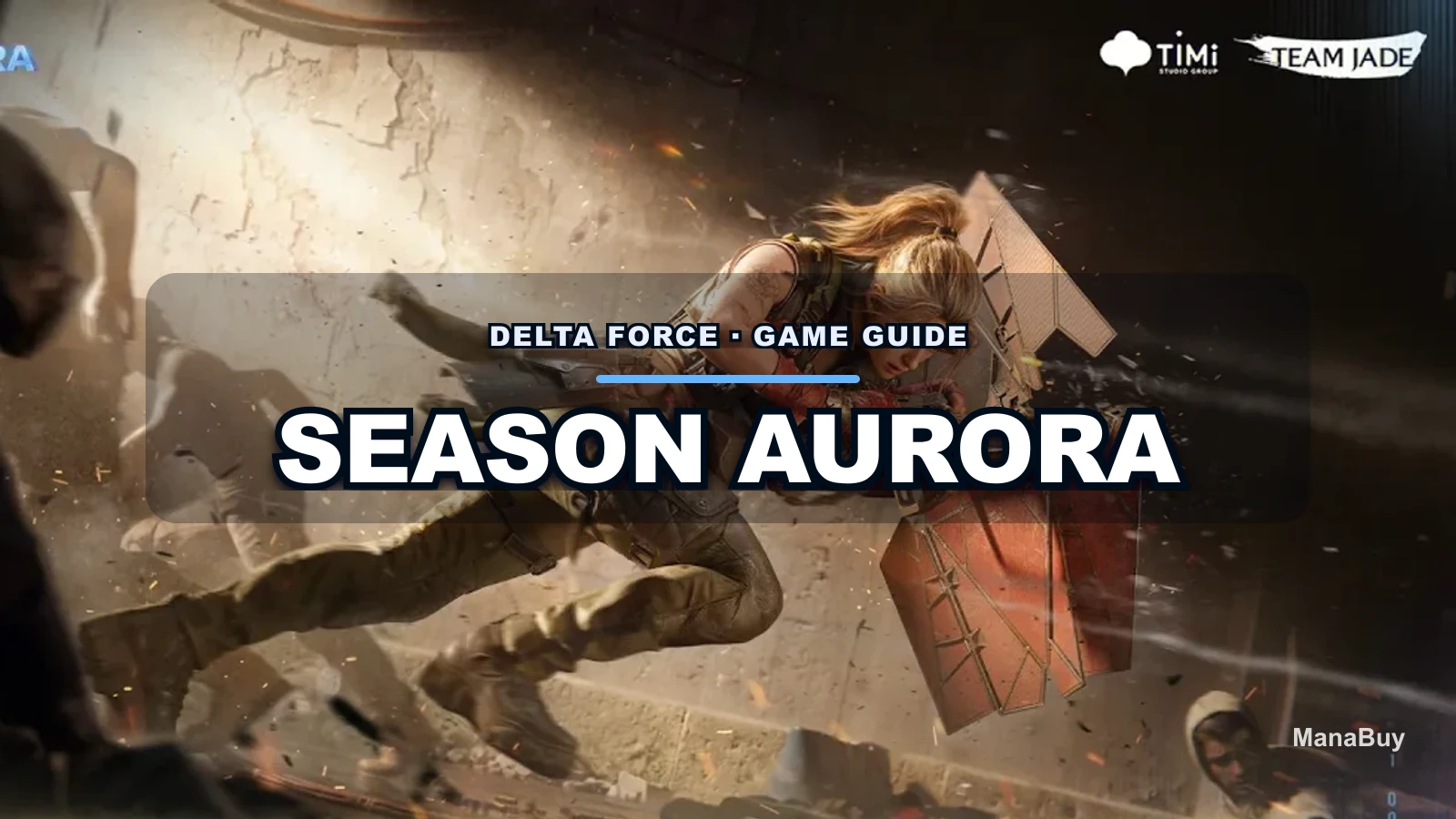
For detailed pack math, use the Delta Force Coins package guide. If the question is whether a Weekly Card, instant Coins, or the Season Pass fits your account, compare the scenarios in Delta Force Weekly Card vs Coins vs Season Pass.
What happens after payment
The order state decides the next action. Do not use a second payment as a troubleshooting step.
| Order state | Next action |
|---|---|
| No order exists | Keep the payment time and non-sensitive provider reference, then contact support if a charge remains. |
| Processing | Monitor the same order. Do not create a duplicate while the first one is unresolved. |
| Completed | Open the same Global profile, compare the UID, refresh the balance, and keep the order record. |
| Failed | Read the failure message and allow the stated refund route to complete before retrying. |
If Coins are still missing after a completed order, follow the evidence order in the Delta Force top-up troubleshooting guide: payment, ManaBuy order status, UID, account version, and current balance.
Common mistakes to avoid
- Using the Global product for a Garena account.
- Typing a nickname instead of the numeric UID.
- Copying the UID from a secondary account or an old screenshot.
- Buying Coins before checking the current item or pass price.
- Assuming “usually delivered in seconds” is a guarantee for every payment state.
- Sharing passwords, login codes, card security details, or wallet PINs.
Delta Force Coins top-up FAQ
Does Delta Force top-up need a server?
No separate server selection is required for the current Global product. The key routing field is the numeric UID.
Can I use this page for Garena Delta Force?
No. The product covered here is for the international Global version. Verify the client before paying.
How fast do Delta Coins arrive?
The current product page says successful orders are usually delivered within 10 seconds to one minute, with longer handling possible in exceptions.
What if I entered the wrong UID?
Contact support immediately. A completed delivery to the submitted account may not be recoverable, which is why the UID check belongs before payment.
Do I need my game password?
No. A standard direct top-up uses the UID and does not require the game password or a one-time login code.
Should I buy a larger Coin pack for better value?
Only when the larger balance has a defined use. Unit value is not savings if the remaining Coins sit unused.
Final recommendation
Confirm Global versus Garena first, copy the UID from the account that will receive the Coins, and select a package against a real in-game target. After payment, follow the existing order state instead of repeating the transaction.

Copyright © FUTURE OUTLOOK TECHNOLOGY LIMITED.Company Registration No.: 77374965 All rights reserved.UNIT 135,1/F.,143 WAI YIP STREET,KWUN TONG HK