
Blood Strike Gold Not Received: Payment, Order, and UID Troubleshooting

If Blood Strike Gold has not arrived, do not place a second order until you know what happened to the first one. Separate the problem into payment, ManaBuy order status and the receiving game account. Each stage needs different evidence and a different next step.
Identify the failure stage
| What you see | Likely stage | First action | Do not do |
|---|---|---|---|
| No charge and no order | Checkout or payment authorization | Recheck the UID, final total and provider message | Repeat rapid attempts |
| Charged, no order | Payment-to-order handoff | Save the receipt and contact support | Pay again immediately |
| Order is Processing | Delivery queue or review | Monitor the same order number | Create a duplicate order |
| Order is Completed | Account or delivery verification | Match the UID and restart the game | Assume an automatic refund |
Check the receiving Blood Strike account
- Open the exact Global account.Steam, mobile and standalone PC can show different records when linking was incomplete.
- Compare the full UID.The order UID must match the profile UID; a nickname is not enough.
- Restart the game once.Close the client fully, sign back in and check the Gold balance.
- Confirm the package.Match the base-plus-bonus quantity on the order with the expected amount.
- Capture the current balance.Mask public screenshots, but keep an unmasked copy for official support if requested privately.
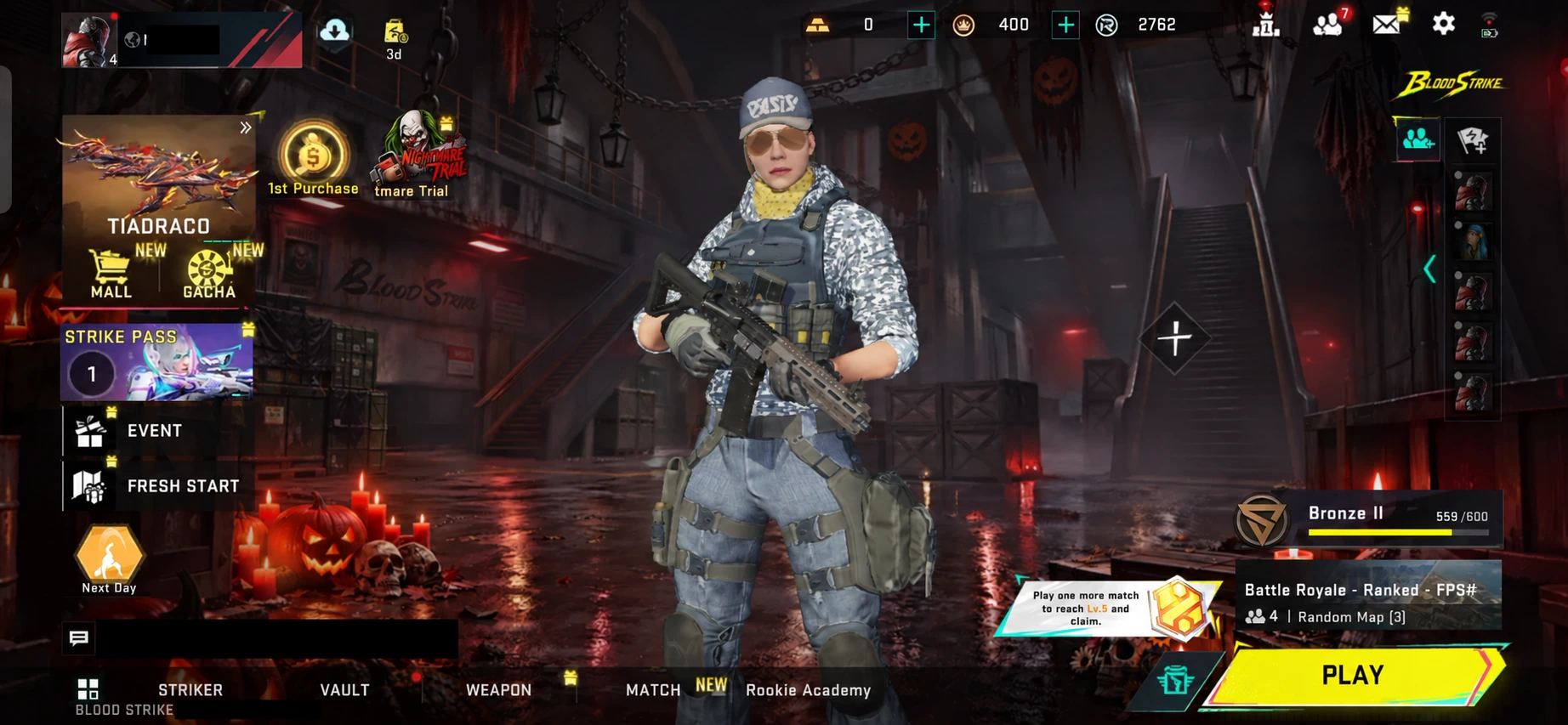
Check the Gold balance on the same UID listed on the order before deciding that delivery failed.
Evidence to send ManaBuy support
What each order status means for your next step
Payment declined and no order exists
Read the provider message, confirm that the balance or card limit covers the final checkout total, and check whether online payments or wallet verification are enabled. One rebuilt attempt is reasonable only after the first attempt is confirmed uncharged and no order exists.
Charged but no ManaBuy order exists
This is a payment-to-order handoff problem. Keep the non-sensitive transaction reference, charged amount and time. Contact support instead of repeating the payment.
The order is Processing
The order exists and still needs a final result. Monitor that order number. Network issues, provider delay, delivery review or temporary maintenance can extend the wait, but a duplicate order creates a separate transaction.
The order is Completed
A completed status moves the investigation to the receiving account and delivery record. Compare the full UID, confirm the Global account, restart the client and note the current balance before contacting support.
Wrong account and Steam/mobile checks
Missing Gold can actually be a split-account problem. If Steam was opened before the main mobile or PC account was bound, the client may show a different UID and empty progression. Check the UID on every platform you recently used. Do not top up another device simply because it displays the familiar nickname.
Keep support evidence private
Official support may need the full order number and UID in a private conversation. A public forum post does not. Mask the player name, UID, order number, email address, wallet reference and payment identifiers in anything shared publicly. Never send a game password, card number, CVV, wallet PIN or one-time verification code.
Three common cases and the correct response
The card shows a pending authorization but ManaBuy has no order
Do not treat a pending bank authorization as a completed order. Save the amount and time, then contact support and the payment provider if needed. Wait for the first authorization to resolve before attempting another payment.
The order is Completed, but Steam shows zero new Gold
Open the mobile or standalone PC client and compare its UID with Steam. If the platforms show different UIDs, the Gold may be on the correctly entered account while Steam is displaying a separate record. Resolve the account link before ordering again.
The package arrived, but the bonus looks wrong
Compare the exact order package with the credited amount. Printed package bonus, first-purchase rewards and temporary account promotions are different. Send the order page and current balance to support if the base-plus-bonus quantity does not match.
When to retry
Retry only when the payment provider shows no charge and ManaBuy shows no active or completed order. If either record exists, investigate that attempt first. A second valid payment creates another order; it does not accelerate the first one.
When a retry is safe, rebuild the checkout from the Blood Strike product page instead of refreshing an old payment window. Re-enter the UID, select the required Server option, choose the package again and confirm the new final total before authorizing payment.
Refund and wrong-UID limits
ManaBuy's current refund policy allows a claim for a failed top-up or system error within seven days after order completion, with evidence. Claims are reviewed case by case; an approved refund can take up to 15 business days from confirmation and returns to the original payment method. A completed delivery to an incorrect UID is generally not recoverable because the player supplied the receiving information.
Blood Strike missing Gold FAQ
How long does a Blood Strike Gold top-up take?
The current product page says most orders arrive within 10 seconds to 1 minute after successful payment, although exceptional cases can take longer.
Should I buy again if the order is Processing?
No. Monitor the same order and contact support with its order number if it remains delayed.
What if the order says Completed but the balance is unchanged?
Restart the game, compare the order UID with the open account UID, confirm the package and send the order evidence to support.
Can Gold sent to the wrong UID be moved?
A successful direct top-up normally cannot be recalled or transferred. Contact support promptly, but do not promise a recovery.
Do I need to share my Blood Strike password?
No. ManaBuy direct top-up uses UID and the required Server field. Support may need order evidence, but never your game password, wallet PIN, card security code or one-time code.
Related Blood Strike guides
Final recommendation
Do not pay twice while a charge or order exists. Diagnose payment, order status and receiving UID in that order; restart once; then send the order number and masked evidence to support. Use the refund process only for an eligible delivery failure.


Copyright © FUTURE OUTLOOK TECHNOLOGY LIMITED.Company Registration No.: 77374965 All rights reserved.UNIT 135,1/F.,143 WAI YIP STREET,KWUN TONG HK