
How to Contact ManaBuy 24/7 Customer Support and Get Help with Your Order

ManaBuy 24/7 Customer Support: Why It Matters
For many players, buying in-game currency is not only about price and delivery speed. It is also about what happens when they need help. If an order is delayed, if account details need to be checked, or if a player is not sure what to do next, fast support becomes part of the buying experience. That is why ManaBuy 24/7 customer support matters to users across different regions and games.
ManaBuy is a global game top-up store, and players may place orders at different times depending on their country, currency, and schedule. Because of that, support availability is important before purchase, during checkout, and after payment.
How to Contact ManaBuy Customer Support
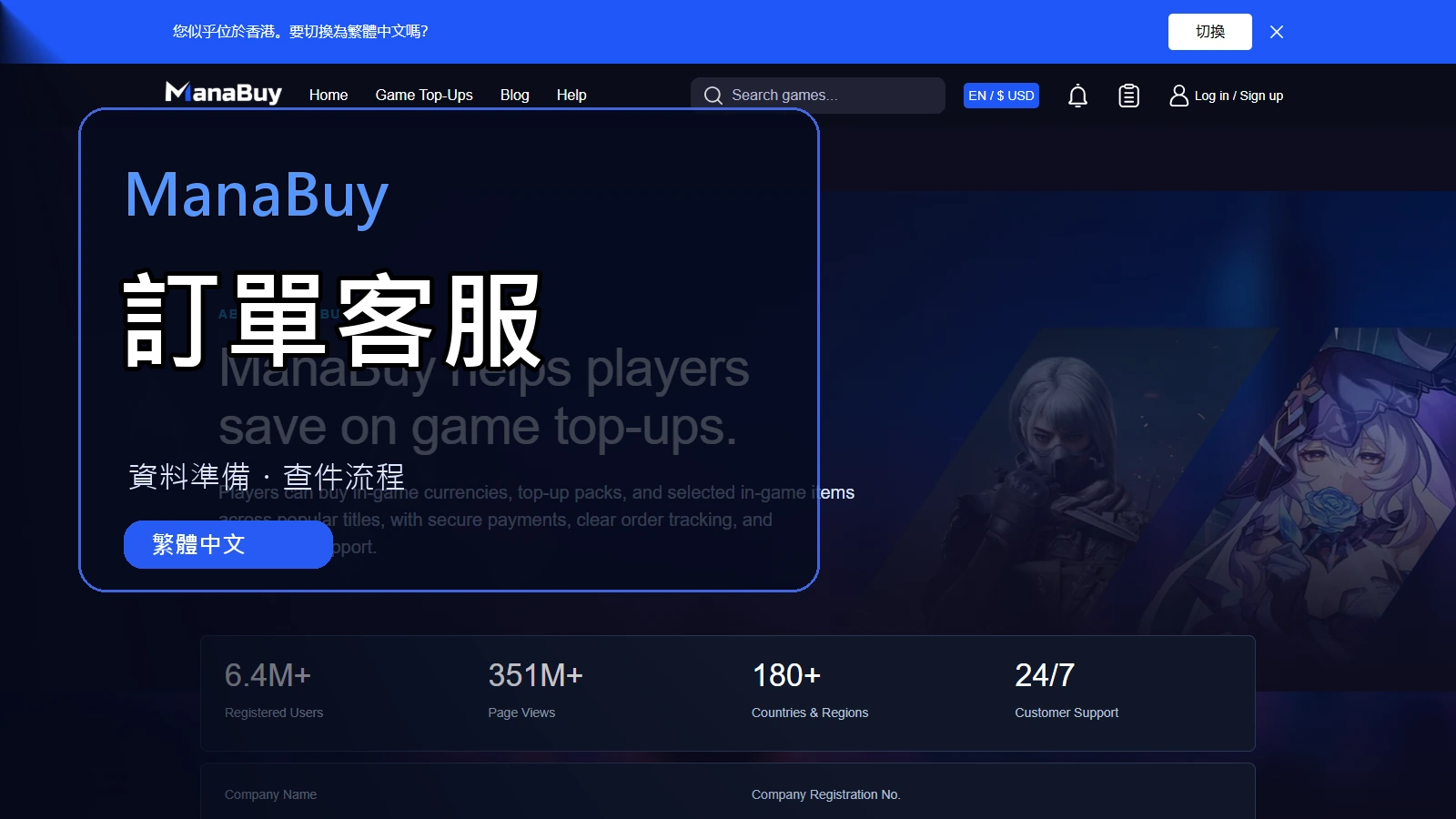
Players can contact ManaBuy customer support directly on the ManaBuy website. There is a visible customer support button on the page, so users can quickly reach support without needing to leave the site.
On desktop, users can click the clearly visible support button in the bottom-right corner of the page to contact ManaBuy support.
On mobile, users can also tap the visible support button in the bottom-right corner of the page to start contacting support directly from the site.
This means users can reach ManaBuy live support both on computer and mobile devices through the on-site support entry, which makes it easier to get help with order-related questions in time.
When Players Usually Contact ManaBuy Support
Most users do not contact support because something is seriously wrong. In many cases, they simply want to confirm details before or after a purchase. Common situations include:
- Checking the status of a paid order
- Asking what to do if a top-up has not appeared yet
- Getting help after entering the wrong UID, Player ID, server, or account information
- Understanding which payment methods are available for a selected currency
- Confirming product requirements before purchase
- Asking for help with screenshots or verification details related to an order
What ManaBuy Support Can Help With
ManaBuy support is there to help users understand the next step when an order needs attention. Depending on the situation, support may help review order details, check whether submitted account information looks correct, confirm delivery status, or guide the user on what information to provide for faster handling.
This is especially useful for first-time buyers, users trying a new game product, or players placing orders during busy hours, version updates, or temporary maintenance periods.
What Information to Prepare Before Contacting Support
Before contacting ManaBuy customer support, please make sure you are logged in to your account when possible. This can help the support team review your order information faster and reduce the amount of order details you may need to submit manually.
If you need help with an order, preparing the right information can make the process easier. In most cases, it helps to have:
- Your order number
- The game name and product you purchased
- Your UID, Player ID, server, or account information used for the order
- A screenshot of the issue if relevant
- Any payment confirmation that may help explain the situation
Providing clear information helps ManaBuy customer support understand the issue faster and guide you more accurately.
Why On-Site 24/7 Support Builds More Trust
Low prices and fast delivery are important, but many players also want to know that real help is available when needed. A visible on-site support entry makes that easier to trust. Instead of searching for an external contact method, users can directly open the support button on the ManaBuy website and ask for help from there.
For users comparing different game top-up stores, that kind of direct support access can make the purchase feel more reliable and more convenient.
When You Should Contact ManaBuy Support
You should consider contacting ManaBuy support if your order has been paid but the top-up has not appeared after a reasonable wait, if you think you entered incorrect account information, if you are unsure which product or payment method to use, or if you need help understanding the next step for an order-related issue.
In some cases, restarting the game or rechecking your inventory, inbox, or account details may already solve the problem. But if the issue is still unclear, the support button on the ManaBuy website is the right next step.
If this is your first order, the ManaBuy beginner’s guide explains the full top-up flow. For questions about currency, checkout options, or a failed payment, check the ManaBuy payment methods guide before trying again.
FAQ
How can I contact ManaBuy customer support?
You can contact ManaBuy customer support directly on the ManaBuy website by clicking or tapping the visible support button in the bottom-right corner of the page.
Can I contact ManaBuy support on both desktop and mobile?
Yes. ManaBuy provides a visible on-site support button on both desktop and mobile, so users can contact support directly from the website on either device.
Does ManaBuy really offer 24/7 customer support?
Yes. ManaBuy provides 24/7 customer support to help users with order-related questions, delivery concerns, account detail checks, and other purchase issues.
What can ManaBuy support help with?
Support can help with order status questions, top-up delivery issues, incorrect UID or account information, payment-related guidance, and other order-related concerns.
What should I prepare before contacting ManaBuy support?
It is best to prepare your order number, game name, UID or Player ID, server or account details, and a screenshot if needed.
What should I do if my top-up has not arrived?
First, recheck your account, inventory, inbox, or restart the game. If the issue is still there, contact ManaBuy support through the support button on the website and provide your order details for assistance.



Copyright © FUTURE OUTLOOK TECHNOLOGY LIMITED.Company Registration No.: 77374965 All rights reserved.UNIT 135,1/F.,143 WAI YIP STREET,KWUN TONG HK