
Zenless Zone Zero is HoYoverse's urban fantasy action RPG set around New Eridu and the Hollows. Players take the role of a Proxy, build Agent squads, fight fast-paced stages, and collect characters, W-Engines, Bangboo, upgrade materials, and event rewards.
ManaBuy's Zenless Zone Zero page supports UID-and-server delivery for the products currently shown on the page. The order should match the target UID, server, email, and selected SKU.
EN / $ USD

Zenless Zone Zero Top Up
Zenless Zone Zero (ZZZ) Top Up on ManaBuy: Monochrome and Inter-Knot Membership with secure UID delivery.


Top-up Instructions
Recharge Zenless Zone Zero Monochrome and Inter-Knot Membership on ManaBuy using Direct Top-up. Submit only your UID and server at checkout.
Zenless Zone Zero Top-up Information
Applicable Platform
All supported game platforms
Available Products
Monochrome and Inter-Knot Membership
Delivery Method
UID-and-server delivery after successful payment
Required Information
UID + server
No password or account login is required.
Important Check
Monochrome and Inter-Knot Membership are different products. Check the SKU before payment.
Payment options depend on the currency, region, device environment, and checkout display.
Delivery notes
Delivery is based on the UID and server you submit. Confirm the account information before payment because direct delivery usually cannot be reassigned after it starts.
Payment methods
ManaBuy supports international bank cards, digital wallets, and selected local payment methods. Actual options depend on checkout currency, region, device environment, and the live checkout display. See the ManaBuy payment methods guide.
Zenless Zone Zero Top-up Result
After the recharge succeeds, check the in-game balance, pass status, or item result on the account tied to the UID you submitted. If nothing appears after a short wait, contact ManaBuy support with your order number.
Top-up Guide
How to Top up Zenless Zone Zero on ManaBuy?
Please follow the steps below to complete the top-up on ManaBuy.
Step1
Open the Zenless Zone Zero top-up page on ManaBuy and select your language and currency.
Step2
Choose Monochrome and Inter-Knot Membership from the SKU list shown on the page.
Step3
Enter your UID, select the correct server, and fill in your email.
Step4
Review the order details and pay with one of the methods shown at checkout.
Step5
After payment, open Zenless Zone Zero and confirm the balance, pass status, or item result.
How to Find Your UID and Server in Zenless Zone Zero
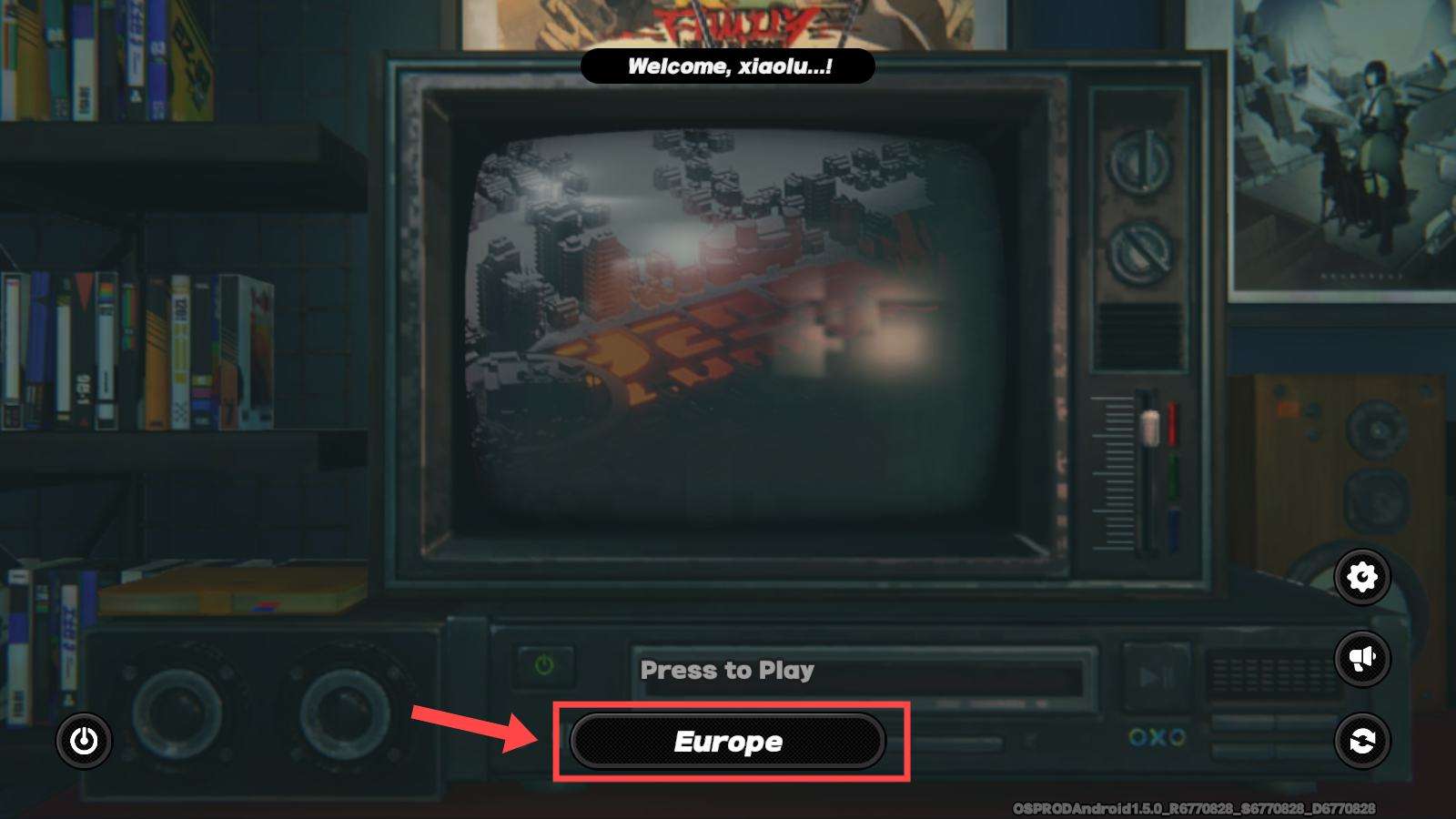
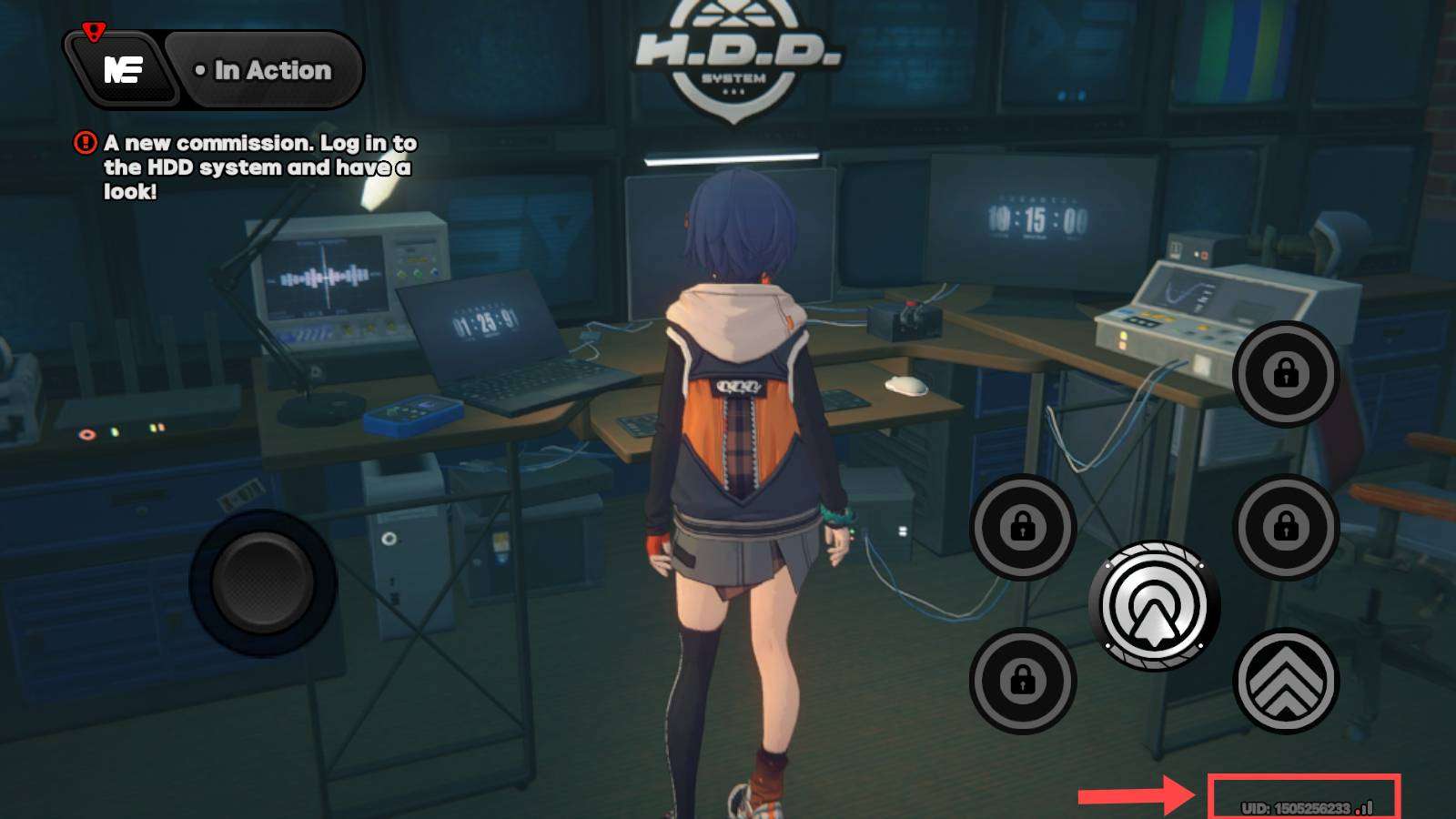
Log in to the Zenless Zone Zero account that should receive the order. Use the UID from your profile and select the matching server on ManaBuy.
Product Description
About Zenless Zone Zero
What is Monochrome?
Monochrome is the paid currency product shown in the current Zenless Zone Zero SKU list on ManaBuy. It is used for eligible in-game purchases and conversion needs according to the game's current rules.
Select a Monochrome SKU when you want paid currency. Always check the live SKU card for the amount and any displayed bonus before paying.
What is Inter-Knot Membership?
Inter-Knot Membership is a time-based value product for Zenless Zone Zero. It is different from a one-time Monochrome bundle because its value is tied to a membership period and daily login rewards.
Before buying, check whether your account already has an active membership period. The in-game or official purchase display should be treated as the final reference for membership behavior.
Which Zenless Zone Zero Product Should You Choose?
Choose Monochrome when you need paid currency, and choose Inter-Knot Membership when you want the time-based membership product. These products solve different needs, so the SKU name matters more than the order price alone.
Only choose products that are visible and enabled on the ManaBuy page. If a bundle or product is not currently shown as available, do not assume it can be delivered through this listing.
First Top-Up Bonus and Membership Notes
Zenless Zone Zero may show first-top-up or bonus rules through official purchase channels and in-game displays. Bonus availability can depend on account status, product type, and current event or version rules.
For Inter-Knot Membership, daily rewards usually require logging in during the active period. Check the account status and final purchase display before payment so the order matches the result you expect.
Why Top Up Zenless Zone Zero on ManaBuy?
1. Focused product choices. ManaBuy separates Monochrome and Inter-Knot Membership so players can choose the correct product type.
2. Account-information delivery. The checkout uses UID, server, and email details and does not ask for your game password.
3. Payment methods at checkout. Available options depend on currency, region, device environment, and the live checkout display.
4. Support-ready order details. If delivery needs review, keep the order number, UID, server, email, and SKU name available.
How to Download Zenless Zone Zero?
Download Zenless Zone Zero from the official HoYoverse website or the official platform store available in your region. Official channels are the best place to confirm client updates, device support, and platform availability.
FAQ
Is it safe to buy Zenless Zone Zero top-up products on ManaBuy?
Yes. ManaBuy uses UID-and-server delivery for Zenless Zone Zero and never asks for your game password. Please verify the UID, server, and SKU before payment.
What is the difference between Monochrome and Inter-Knot Membership?
Monochrome is paid currency for Zenless Zone Zero purchases and conversions. Inter-Knot Membership is a time-based value product. Choose the SKU that matches the product you want.
How long does Zenless Zone Zero delivery take on ManaBuy?
Delivery is usually completed quickly after successful payment, but timing can vary by product, account status, and supplier response. If the item does not appear after a short wait, contact ManaBuy support with your order number.
What should I do if I entered the wrong UID or server?
Contact ManaBuy support immediately with your order number. Direct top-up orders may not be reversible after delivery starts, so always check UID and server before payment.
What payment methods does ManaBuy support for Zenless Zone Zero?
ManaBuy supports international bank cards, digital wallets, and selected local payment methods. The actual available methods depend on checkout currency, region, device environment, and the live checkout display. See the ManaBuy payment methods guide.
Can I top up Zenless Zone Zero for a friend or another account?
Yes. Enter the UID and server for the account that should receive the order. Make sure your friend confirms the correct information before you pay.
Related Articles
View All
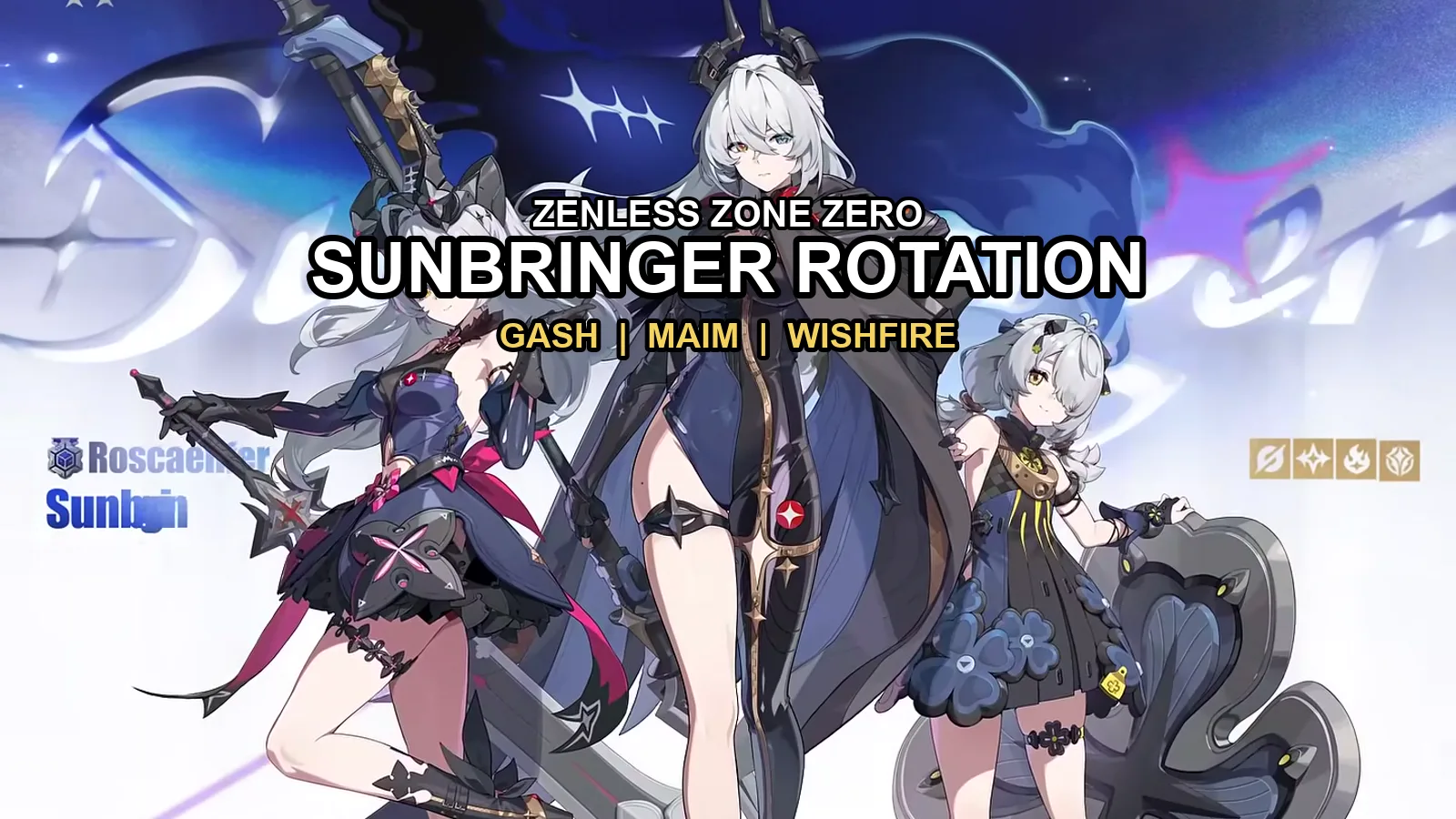
Sunbringer Rotation Explained: Gash, Maim, and Wishfire
Nov 23, 2026
A mechanic-first Sunbringer guide: place Gash, trigger Maim, build Wishfire, decide when to hold Flag Order, and finish the enhanced sequence cleanly.
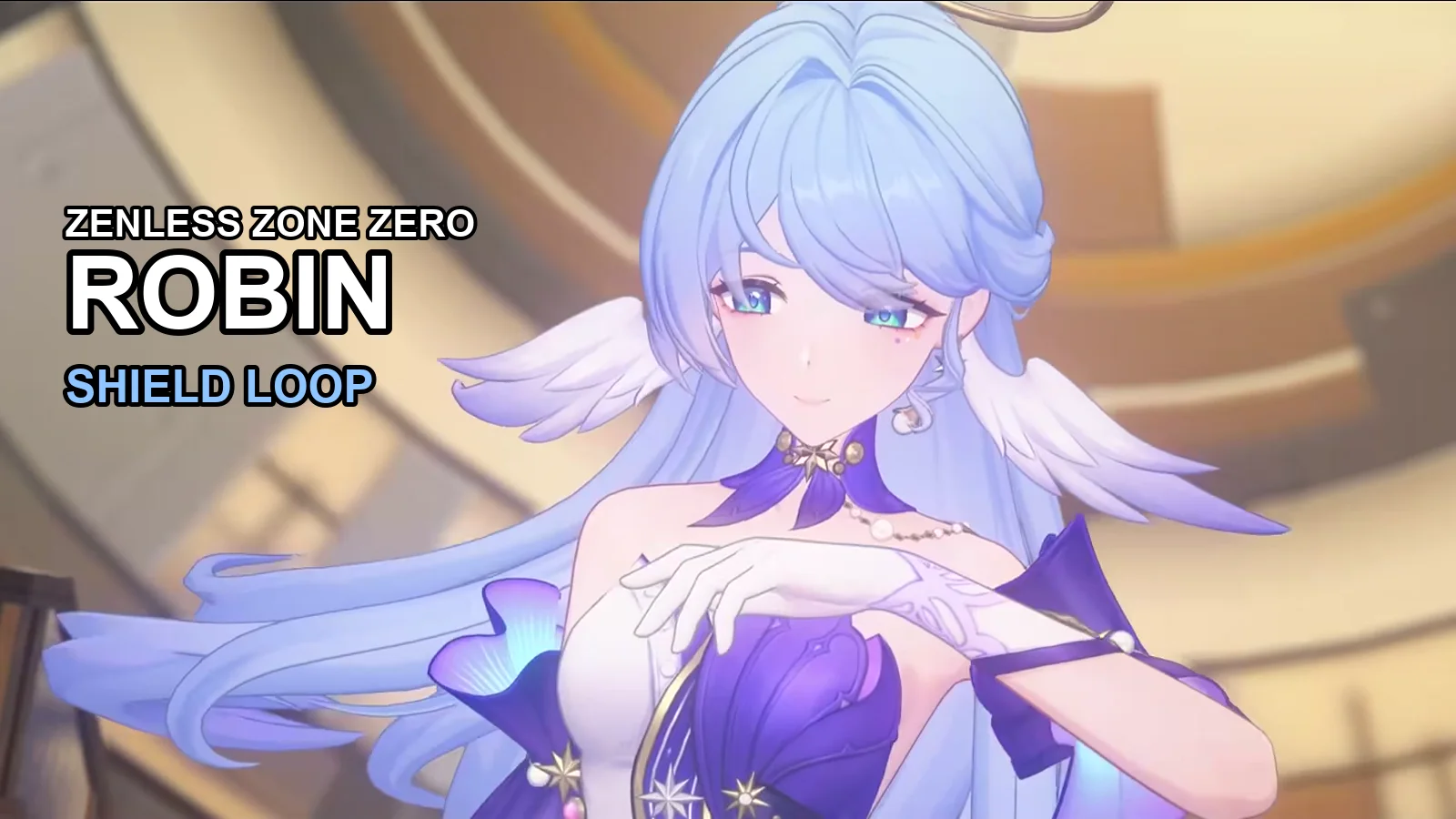
How Robin Plays in ZZZ: Shield, Exit, Re-Enter
Nov 23, 2026
Robin is a free Version 3.4 Ether Defense Agent whose best loop is short and deliberate: enter, build the shield, exit, protect the carry, then re-enter to refresh.




About ManaBuy

Copyright © FUTURE OUTLOOK TECHNOLOGY LIMITED.Company Registration No.: 77374965 All rights reserved.UNIT 135,1/F.,143 WAI YIP STREET,KWUN TONG HK