
Quick answer: secure the correct Rise of Kingdoms account and character first, then keep building, research, training, scouting, and gathering moving whenever practical. Choose a civilization by reading its live bonuses, unique unit, and starting commander instead of following an old “best civilization” list. Develop a small group of commanders for clear jobs, join an active alliance that matches your schedule, and treat the world map as a shared real-time space where positioning and timing matter. Save flexible resources until you understand their value, verify every pack in the live game, and never confuse a third-party login top-up with Lilith’s official payment center.
What kind of game is Rise of Kingdoms?
Rise of Kingdoms is a real-time strategy game built around a city and a shared world map. Lilith’s official listing describes 15 civilizations, real-time battles, unrestricted troop movement, scouting, gathering, commanders with talent and skill systems, and alliances that coordinate territory and objectives. You switch between managing buildings inside the city and sending marches into a world occupied by other governors, neutral enemies, resource nodes, passes, and alliance structures.
Progress therefore has several connected parts. A stronger city unlocks and supports more activity; research improves what that activity can do; commanders shape each march; and an alliance changes the speed, safety, and purpose of your growth. The useful beginner question is not “How do I raise power fastest?” but “Which upgrade unlocks the next useful action without leaving every other system idle?”
Keep this guide evergreen: civilization bonuses, commander availability, events, seasons, kingdom rules, bundles, and balance can change. Use the decision rules below, then confirm numbers and current restrictions inside your own game.
Secure the right account, character and kingdom
One login can hold more than one character, and characters may exist in different kingdoms. Before you invest time or money, confirm the governor name and kingdom/server attached to the city you intend to use. Bind the game account through a supported method you control, protect the connected email or platform account, and keep the game and recovery credentials unique.
Record the governor ID, character name, kingdom number, and the login method that opens the correct character. This prevents a common failure: returning through a different login, creating a fresh city by mistake, or ordering an item for the wrong server. If you change devices, verify that the bound account opens the intended city before deleting the old installation.
Use a supported login you control before the city becomes valuable.
Save governor ID, character name, and kingdom/server together.
Confirm that the same method returns to the same character.
Secure the connected email or platform and keep receipts.
Choose a civilization without chasing a permanent “best”
Civilizations differ through their architecture, special advantages, unique units, and starting commanders. Those details are visible in the live selection screen and can be affected by later updates. Read all of them before deciding. A bonus that supports your immediate plan is usually more useful than a fashionable recommendation that assumes a different stage of the game.
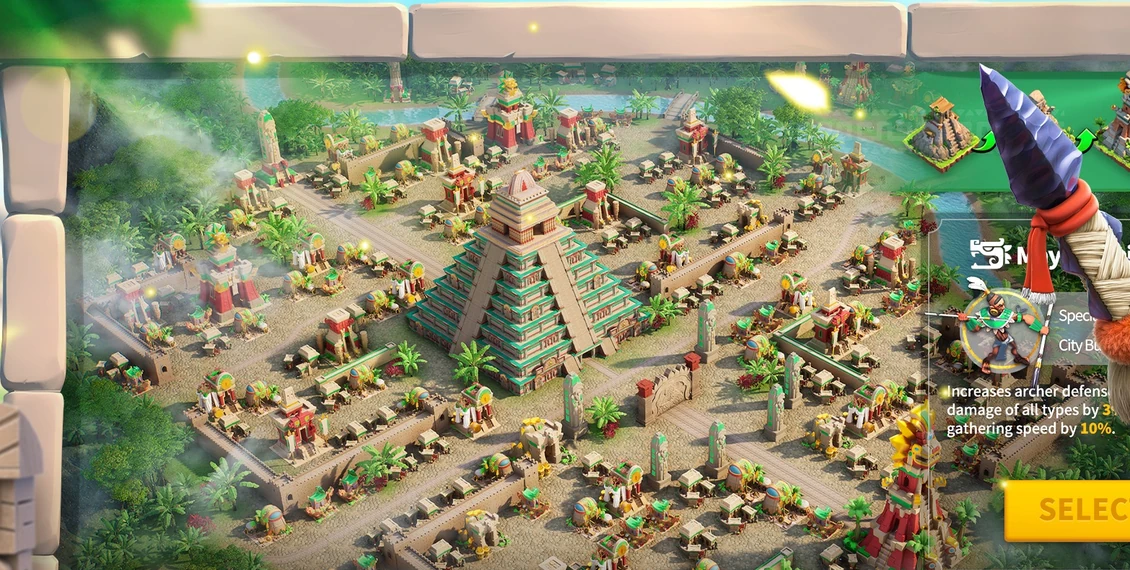
| Your priority | What to inspect on the civilization screen | Useful question | Avoid |
|---|---|---|---|
| Early city growth | Bonuses related to construction, research, production, or general development. | Will this bonus affect actions I keep running every day? | Choosing only for flag or architecture and then regretting the mechanics. |
| Training and field activity | Training, troop, march, recovery, or combat-related advantages. | Does the bonus support the troop type and activity I can actually sustain? | Assuming one combat bonus makes a civilization best for every matchup. |
| Starting commander | The commander’s role, skills, talent trees, and how easily you can develop that role. | Does this commander fill an early job my roster needs? | Investing universal resources before reading every skill. |
| Longer-term specialization | Unique unit and bonuses that matter after more systems unlock. | Is this a future plan or something that helps now? | Sacrificing the first week for a late-game theory you may not follow. |
A civilization can be changed later through the game’s available systems, but the live requirements and cost should be checked before treating that as a casual option. Start with a coherent reason, not the expectation that every early choice is irreversible or free to redo.
Build a city that keeps progressing
The city works through dependencies. A major building upgrade may require other structures at a certain level; research requires the Academy and resources; training uses its own buildings and queues. Open the upgrade requirement list before spending speedups so you know the full chain, not only the first timer.
- Follow the main progression prompts. They introduce systems and point toward dependencies without requiring you to memorize the whole building tree.
- Keep the builders useful. When you will be away, start longer upgrades; when active, clear shorter prerequisite work.
- Keep research moving. Choose economic or military research according to the actual bottleneck, not the largest visible power number.
- Keep training buildings active. Maintain a sustainable troop pipeline rather than burning every speedup in one session.
- Collect and restart. Production that sits completed does not help the next upgrade.
Queue rule: before logging out, check construction, research, troop training, scouting, gathering marches, alliance help, and any expiring task. Empty queues are lost time; rushed but poorly chosen queues waste resources.
Use resources and speedups for a named bottleneck
Food, wood, stone, gold, gems, action points, speedups, and other items do different jobs. Do not open every resource item as soon as you receive it. Resources left as items are harder for another player to take than resources already exposed in the city, and they remain flexible until a specific upgrade needs them.
Likewise, a universal speedup is more flexible than a speedup restricted to building, research, healing, or training. Spend the restricted item on its own job first when appropriate, then use universal time only if completing that action creates a clear benefit: unlocking another queue, finishing an event target you already planned, or removing a genuine progression block.
Open only the amount required for the next confirmed action.
Match restricted speedups to their queue before spending universal ones.
Save until you understand the permanent and time-limited uses available on your account.
Spend with a purpose and check whether stored items or events have deadlines.
Develop commanders by job, not by portrait
Commanders have levels, stars, skills, talents, and role tags. The official listing specifically describes leveling commanders through battles and improving them through talent trees and skills. Those systems interact, but they are not interchangeable: experience raises level, stars affect development, skills change abilities, and talents specialize how a commander performs when leading a march.
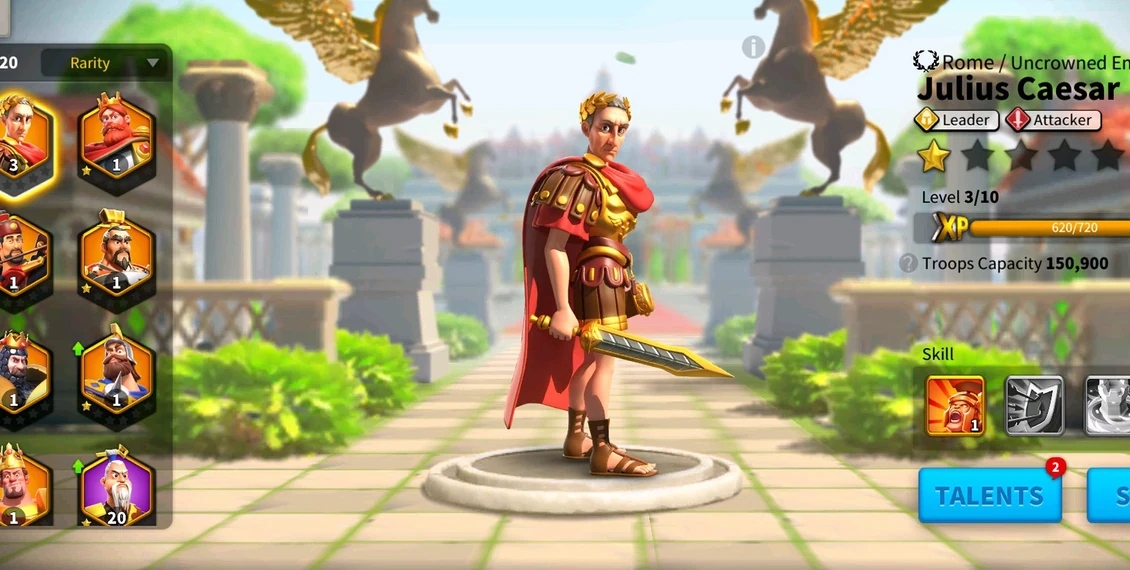
Build a small working roster instead of raising everyone evenly. Useful early jobs include a main field march, a barbarian or action-point march, gathering commanders for separate resource nodes, and commanders that fit alliance activities. A commander used only to gather does not need the same investment as the lead commander carrying your main army.
- Read all skills before upgrading. Skill order and upgrade rules matter; do not assume every random increase helps the intended role.
- Match troop types deliberately. A commander or talent built for one troop type may lose value in a mixed march.
- Pair for one plan. The secondary commander should add damage, survival, control, utility, or another benefit that supports the lead commander’s job.
- Protect universal materials. A flexible sculpture or equivalent resource is valuable because many commanders compete for it.
- Test reports. Battle reports show what damaged you, what you damaged, and whether the march performed the job you gave it.
Scout, gather and move safely on the world map
The map is continuous and battles happen in real time. Lilith’s official description says marches can receive new orders while moving, split between multiple commanders, gather resources, fight neutral enemies, join ongoing battles, or return to safety. That freedom also means a march can be intercepted or arrive after the situation changes.
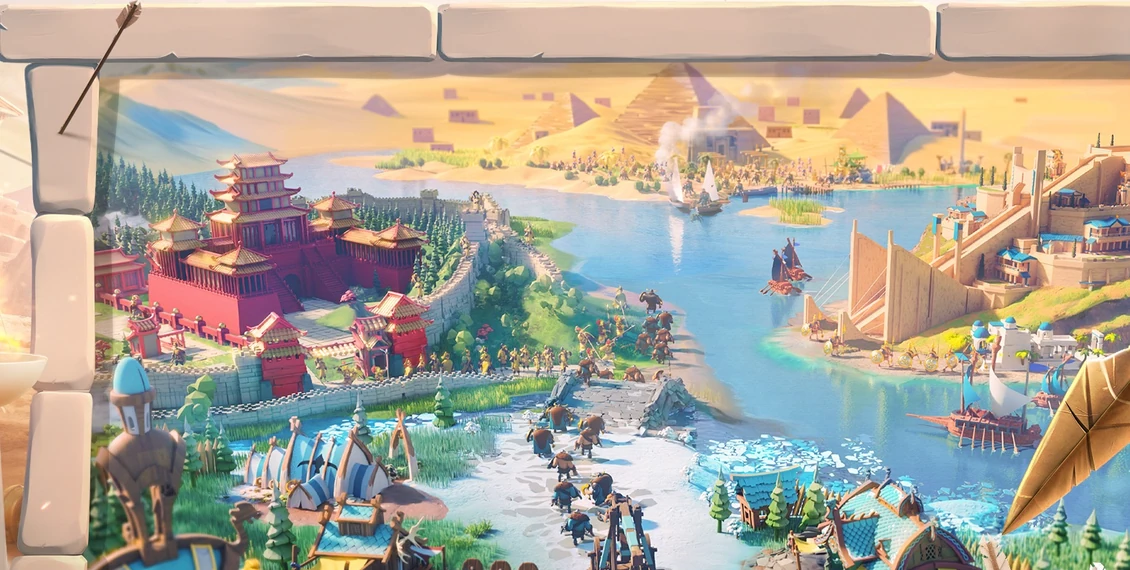
- Send scouts into fog and collect discoveries rather than leaving the scout queue idle.
- Use spare marches to gather the resource required by your next confirmed upgrade.
- Check distance, alliance territory, passes, nearby cities, and hostile activity before sending troops far away.
- Do not attack a player, structure, rally, or contested objective without understanding alliance and kingdom consequences.
- Watch the march after issuing an order; real-time movement means the safe decision can change.
Join an alliance that fits how you play
Alliances are a core progression system, not only a chat room. The official listing names live chat with translation, officer roles, map indicators, territory, resources, passes, outposts, and group achievements. An active alliance can provide help on eligible timers, coordinate map activity, explain kingdom rules, and give your marches a safer area in which to work.
Choose based on activity, language, time zone, expectations, and location. A powerful alliance whose main events happen while you sleep may be less useful than a well-run group active during your normal hours. Read the description, notices, territory, and instructions before applying. Once accepted, relocate only through the appropriate in-game method and after checking where leadership wants members to settle.
Alliance etiquette: read markers and mail, do not start rallies or wars casually, ask before occupying sensitive space, contribute within the rules, and avoid pulling allies into a fight you did not understand.
Make better combat decisions
Combat strength is not one number. Commander skills, talents, troop type, troop count, technology, buffs, equipment or later systems, positioning, reinforcements, and the target all matter. A higher displayed power total does not guarantee that a particular march wins a particular engagement.
| Situation | Check first | Safer beginner response | Common mistake |
|---|---|---|---|
| Fighting neutral enemies | Target level, action-point cost, march health, commander job, and nearby threats. | Start within a level your march can repeat efficiently and inspect the report. | Moving farther and higher only because the target gives more rewards. |
| Open-field player combat | Alliance instructions, enemy support, route home, troop matchup, and hospital capacity. | Stay with the group, focus called targets, and retreat before the march collapses. | Chasing a low-health march into hostile territory alone. |
| Rally or structure battle | Who leads, allowed troop type, capacity, timing, and alliance plan. | Follow the leader’s instructions and send only requested troops. | Launching an unapproved rally or filling one with the wrong units. |
| City defense | Shield state, location, reinforcements, resources, troops outside, and alliance help. | Use the protection or relocation tools available to you and contact leadership. | Responding emotionally with repeated solo attacks. |
A practical first-week plan
| Stage | Main focus | Checkpoint |
|---|---|---|
| 1. Secure identity | Bind the account; record governor, character, and kingdom details. | You can reopen the intended city through the intended login. |
| 2. Learn the city loop | Construction dependencies, research, training, production, and alliance help. | You know which queue is blocking the next unlock. |
| 3. Read civilization and commanders | Live bonuses, roles, skills, talents, pairings, and troop preference. | Each developed commander has a named job. |
| 4. Open the map | Scout fog, investigate discoveries, gather needed resources, and manage marches. | Spare marches are doing useful work without taking reckless routes. |
| 5. Find an alliance | Language, time zone, activity, territory, rules, and event expectations. | You can participate when the alliance is active. |
| 6. Establish spending rules | Keep flexible items, speedups, gems, and purchases tied to clear goals. | You can explain what the next spend unlocks. |
| 7. Review reports | Compare damage, losses, matchups, timing, and positioning. | Your next change responds to evidence rather than a power number. |
Purchase and top-up safety
Lilith operates an official Rise of Kingdoms payment center at store.lilith.com, which labels itself “Official” and asks users to log into their game account. Compare any third-party offer against that official route, the live in-game store, the exact target character, and the bundle shown on your account. Prices, bonuses, regions, eligibility, and pack contents can change.
Know the delivery difference: ManaBuy’s current Rise of Kingdoms page is a third-party login top-up. It asks for login method, account, password, character name, and server, and may require login approval or a verification code. That is not Lilith’s official payment center and it gives another party temporary account access. Decide only after you understand that distinction and the account risk.
If you use any login-delivery service, verify the real domain, exact order fields, character, kingdom, and pack before payment. Never send credentials or verification codes outside the intended order workflow, use a unique password, change the shared password after completion, verify the result in-game, and contact support through the existing order instead of placing a duplicate order. The lowest-risk route for credentials is the official in-game or Lilith payment flow.
Comparing Rise of Kingdoms top-up options? Check ManaBuy’s live pack list and login requirements, then compare them with Lilith’s official store before deciding.
Review Rise of Kingdoms top-up detailsRise of Kingdoms beginner FAQ
What should I do first in Rise of Kingdoms?
Bind the correct account, record the character and kingdom, follow the tutorial and main progression prompts, join a suitable alliance, and keep construction, research, training, scouting, and gathering working toward named goals.
What is the best civilization for a beginner?
There is no permanent answer that fits every update and plan. Read the current bonus, unique unit, and starting commander in the live game, then choose the civilization whose benefits match your immediate activity and realistic troop plan.
Which commanders should I level first?
Develop a small roster for specific jobs: a main field march, neutral-enemy activity, gathering, and alliance tasks. Read skill order, talent trees, troop preference, and pairing purpose before using scarce universal resources.
Should I open all resource items immediately?
No. Keep items unopened until a confirmed upgrade needs them. This preserves flexibility and avoids exposing more resources in the city than necessary.
Why should I join an alliance early?
Alliances provide coordination, timer help, territory activity, group objectives, communication, and local protection. Choose one whose language, time zone, expectations, and map position fit how you actually play.
What should I verify before a Rise of Kingdoms top-up?
Confirm the login, character, kingdom/server, region, exact pack, current contents, total price, and delivery method. Lilith has an official payment center; ManaBuy’s current product is a separate third-party login-delivery service.
A strong Rise of Kingdoms start is a system, not a sprint: secure one account, keep useful queues moving, develop commanders for defined jobs, gather for the next upgrade, learn the shared map, and work with an alliance whose plans you can follow. Those habits remain valuable even when events, commanders, or balance change.
For future updates and guides, visit the Rise of Kingdoms blog hub.
Official sources
- Rise of Kingdoms official website
- Apple App Store: official Rise of Kingdoms listing
- Google Play: official Rise of Kingdoms listing
- Lilith Store: official Rise of Kingdoms payment center
- Lilith Games Terms of Service
Civilizations, commanders, skills, talents, events, seasons, kingdom rules, platform features, packs, prices, and purchase requirements can change. Verify time-sensitive details in the live game and current Lilith notices.