
Quick answer: confirm that you installed the correct regional build, choose a control layout you can repeat under pressure, and learn braking before chasing drift scores. Use one manageable car long enough to understand how it turns, brakes, and exits corners. Practice one track in short sections, protect your corner exit, and race cleanly online. During the first week, consistency is worth more than collecting every car or copying a temporary tier list.
What is Racing Master, and which version should you install?
Racing Master is a real-time racing game developed by NetEase Games in collaboration with Codemasters. NetEase launched the current European, North American, Middle Eastern, and North African version on May 8, 2026 for iOS, Android, and an official PC emulator. Its official material emphasizes licensed vehicles, real-world circuits and city routes, car customization, authentic vehicle audio, and live competition.
The current U.S. App Store description lists more than 120 licensed vehicles from over 30 brands. The launch announcement used the broader claim of more than 100 cars, so this guide avoids treating a precise garage count as permanent. The important beginner decision is not how many cars exist; it is whether you can learn one car well enough to drive it consistently.
Region check: Racing Master has regional store builds. Use the official link for your country and verify the server or region tied to your account. Do not assume that progress, friends, events, prices, or purchases transfer between different regional versions.
How should you set up your first Racing Master session?
Your first session should reduce variables. A high graphics preset, unfamiliar steering method, and a new car can make every mistake look the same. Start with settings that keep the game responsive on your device, then test one control layout at a time.
Choose a graphics level your device can hold during a full race. Smooth input feedback is more useful than extra visual detail when you are learning braking points.
Use the current in-game practice or early events to compare the available control options. Keep the one that lets you make small corrections instead of constant full-lock turns.
Select a view that makes the road, corner entry, and nearby opponents easy to read. Do not change it every race while building muscle memory.
If your current build offers driving assists, begin with enough help to understand the line. Reduce assistance only when you can explain what the car is doing without it.
Use progressive steering, braking, and throttle. Fast racing comes from repeatable inputs, not from pressing every control as hard as possible.
Complete the official introduction before judging a car or control scheme. Early prompts establish the game’s own terminology and race feedback.
How do you brake and corner more consistently?
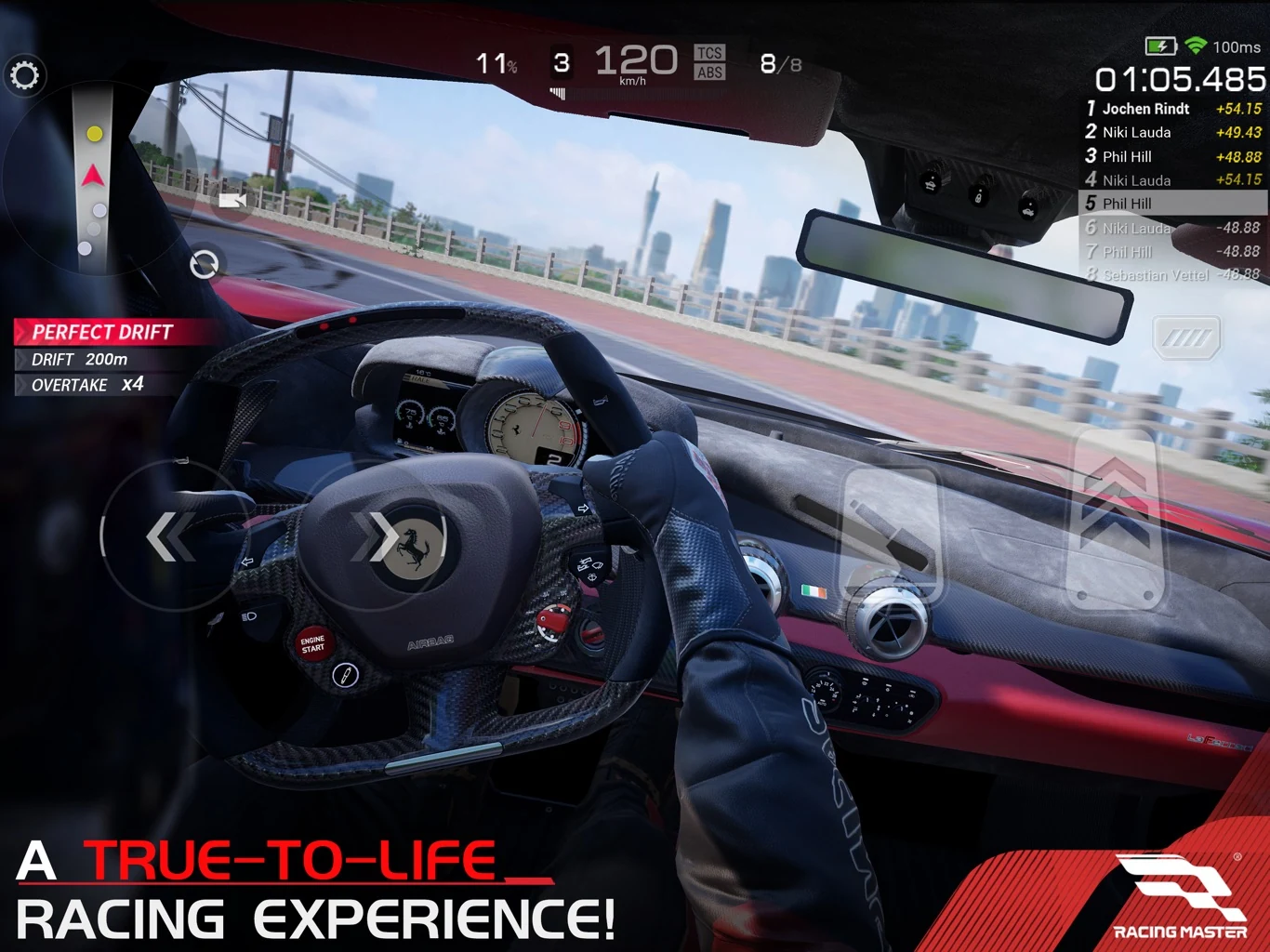
Most beginner time loss starts before the apex. Entering too fast forces a wide line, a slide, or a collision, and then ruins the exit. Use a simple sequence: brake while the car is mostly straight, turn toward the apex, then accelerate as the steering opens. The exact timing changes by car and track, but the sequence gives you a reliable baseline.
| Corner phase | Beginner action | What to watch | Common mistake |
|---|---|---|---|
| Approach | Look ahead and choose a visible braking reference. | Road markings, barriers, signs, or a consistent shadow. | Watching only the car directly in front and missing your own braking point. |
| Braking | Slow down while travelling mostly straight. | Whether the car can still respond to a small steering input. | Braking too late, then asking the tires to brake and turn at maximum effort together. |
| Turn-in | Use one smooth steering action toward the apex. | Front-end response and how quickly the car rotates. | Repeated left-right corrections that scrub speed and destabilize the car. |
| Apex | Hold a line that prepares the next section. | Exit space and the direction of the following corner. | Touching the inside too early and running out of road on exit. |
| Exit | Open the steering and add throttle progressively. | Traction, barriers, and nearby traffic. | Full throttle with heavy steering, causing a slide or slow correction. |
Do not drift every corner simply because the game rewards or displays drift actions in some situations. A slide can be useful when a mode, corner, or car calls for it, but an unnecessary drift often adds distance and makes the exit harder to control. First learn a clean grip-style line; then compare whether a deliberate drift improves the result on that specific corner.
Fast feedback loop: after a mistake, change only one thing on the next attempt—brake a little earlier, turn in later, or accelerate more gently. Changing all three prevents you from learning which adjustment worked.
Which car should a Racing Master beginner use?
There is no permanent official “best beginner car.” Balance, available cars, and progression can change. Choose a car you can drive repeatedly and judge it by control, not only by rarity or peak speed. A slightly slower car that stays on line can produce better race results than a powerful car you cannot place accurately.
| Question | Beginner-friendly answer | What it teaches |
|---|---|---|
| Can I brake at the same marker for several laps? | Prefer the car whose response feels predictable. | Repeatable braking and confidence under traffic. |
| Can I make small steering corrections? | Avoid a car that feels nervous until you understand its behavior. | Clean lines and tire-load management. |
| Can I accelerate without constant sliding? | Choose manageable power delivery over the highest number. | Corner exits and throttle control. |
| Do I know why the car loses time? | Keep using one car until mistakes become identifiable. | Separates driver error from car setup or track knowledge. |
| Am I upgrading several cars at once? | Pause and fund one clear learning goal first. | Resource discipline and meaningful comparisons. |
Customization is not the same as performance
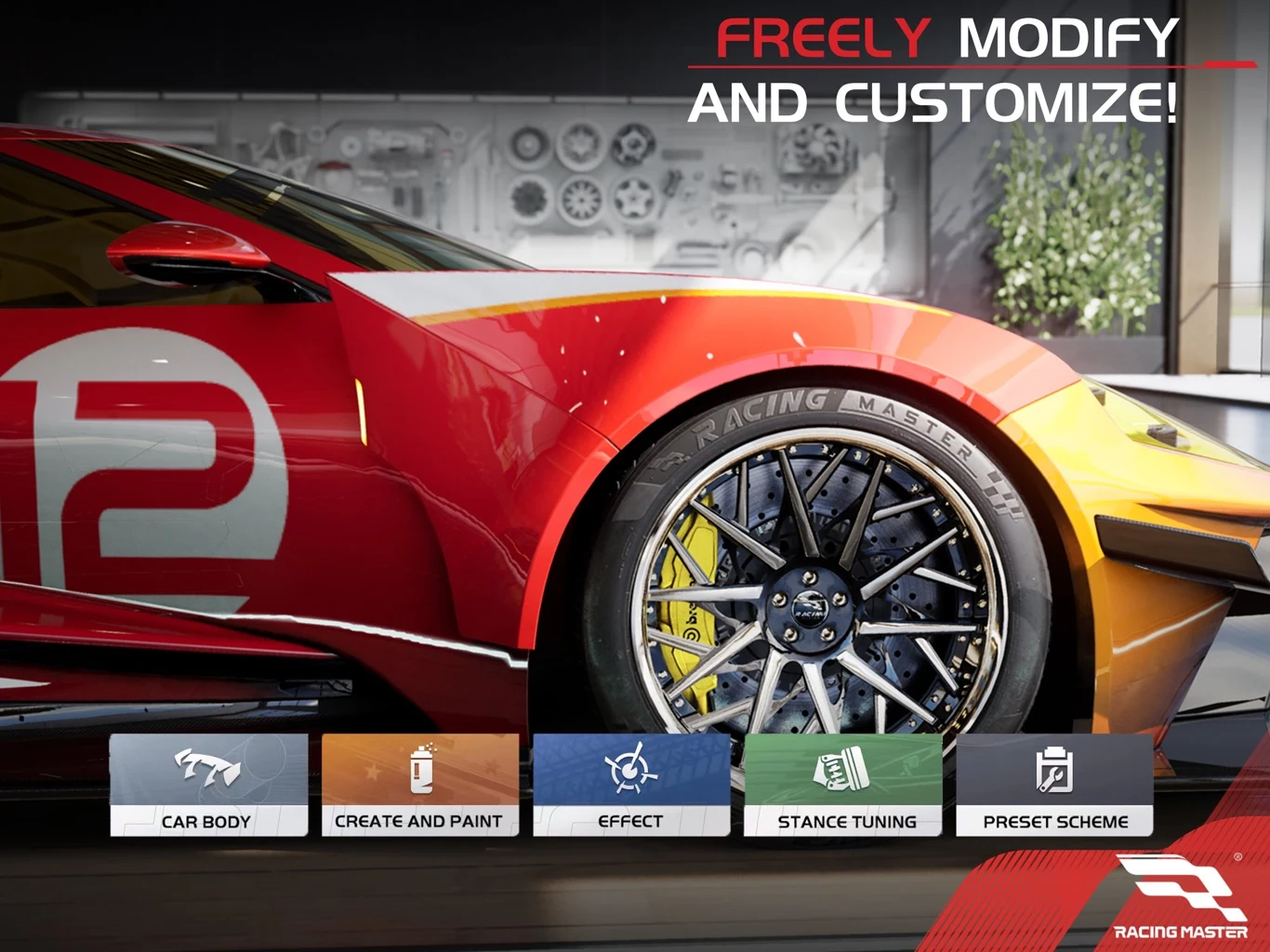
The official store listing highlights paint, liveries, tires, rims, suspension, brakes, and aftermarket parts. Some options may be visual, while others may interact with the game’s current performance systems. Read the live item or menu description before spending. A new color or stance can personalize a car, but it does not automatically make your lap faster.
Change one performance-related setting or component at a time, then drive the same test route. If you alter the car, control sensitivity, assists, and driving line together, you will not know what caused the result.
What is the fastest way to learn a track?
Memorizing an entire course at once is inefficient. Divide it into short sections and identify three things in each: the braking reference, the apex or turning target, and the point where you can accelerate. Start with the corners that cause crashes or major speed loss rather than polishing an easy straight.
- Run a clean baseline. Finish the lap without restarting so you can see where the largest mistakes occur.
- Choose one problem corner. Name the problem—late braking, early apex, too much steering, or poor exit.
- Use a fixed reference. Pick something visible that remains in the same place every lap.
- Adjust one input. Move braking or turn-in by a small amount and compare the exit.
- Repeat under traffic. A line that works alone must still leave room when another car is beside you.
The official listing names a mix of city locations and circuits, including routes associated with Chicago, San Francisco, Barcelona, Sicily, Amsterdam, the Alps, Shanghai, Indianapolis Motor Speedway, and the Red Bull Ring. Different layouts reward different habits, so carry the learning process from track to track rather than expecting one braking marker or drifting technique to fit all of them.
How should you approach multiplayer races?
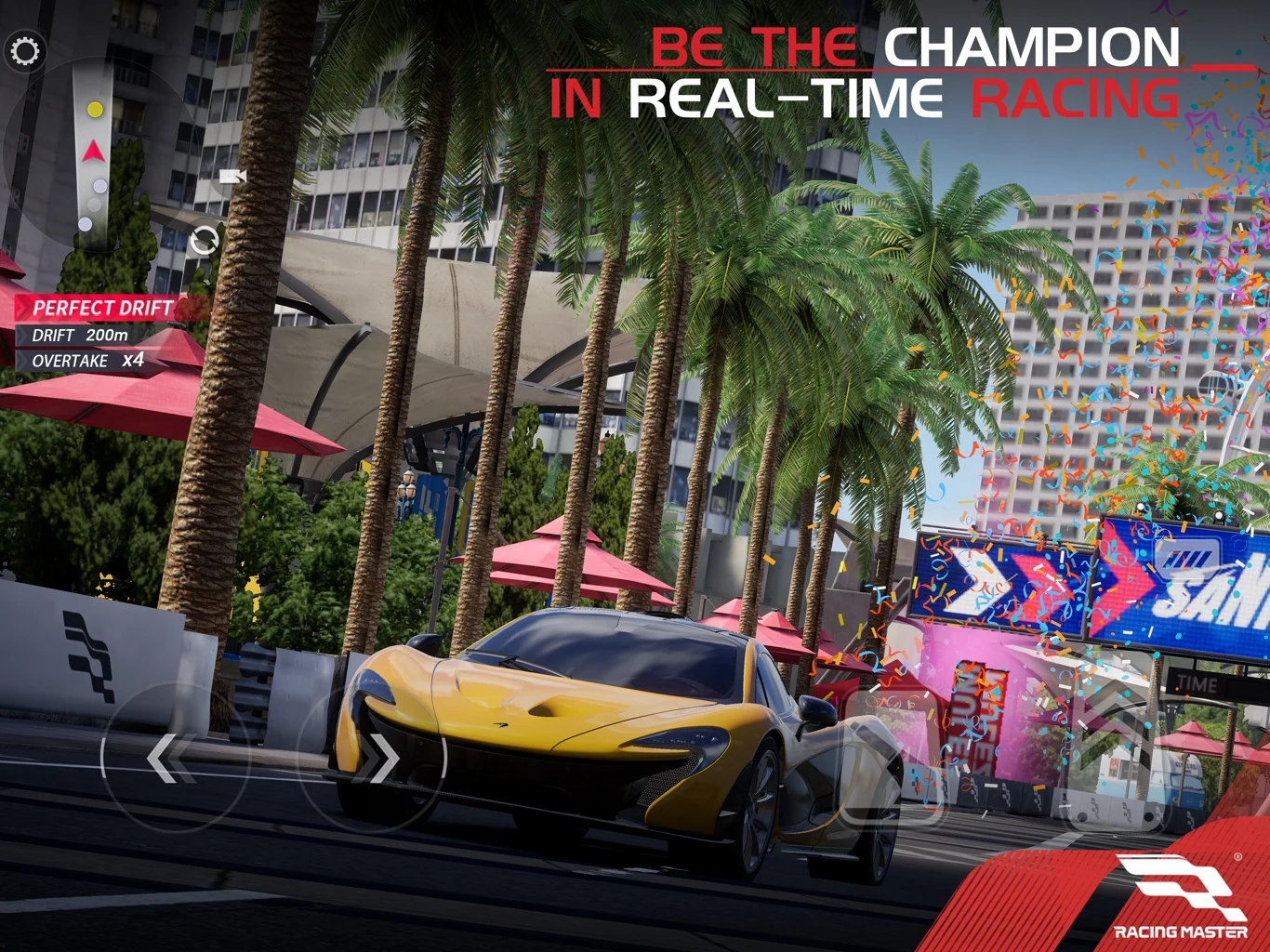
Racing Master promotes real-time PvP, GvG, tournaments, and community competition. Before entering a serious multiplayer session, make sure you can complete the track without repeated wall contact and can identify at least the first major braking zone. Raw speed does not help if the first corner ends your race.
- Brake earlier in traffic. A draft, blocked view, or crowded line changes the space available.
- Hold a predictable line. Sudden weaving makes both defense and overtaking less reliable.
- Leave room when cars overlap. Winning one corner is not worth a collision that costs the full race.
- Plan an overtake before committing. Use a better exit or clear braking opportunity instead of forcing a gap that is already closing.
- Review your own error first. Even when contact begins elsewhere, ask whether a safer line or earlier lift would have protected the result.
How should beginners manage cars, currency and top-ups?
Use a written goal before spending any limited or paid currency. “I want a better garage” is too vague. A useful goal names the car, item, mode, or time-saving outcome and explains what changes after the purchase. If you cannot identify that change, keep the currency until the account’s real bottleneck is clear.
Avoid spreading early resources across every newly acquired car. Keep enough flexibility to respond when a later event, class, or mode requires a different vehicle. Because live offers and regional pricing can change, verify the current in-game information and the correct account region before purchasing.
Top-up check: confirm the exact regional build, player/account identifiers requested on the order page, selected pack, and final checkout price. Never assume that a pack for one Racing Master region applies to another account.
Planning a Racing Master top-up? Review the current product options and required account fields before placing an order.
Check Racing Master top-up detailsYour first-week Racing Master plan
| Stage | Main goal | Practical checkpoint |
|---|---|---|
| First session | Confirm region, graphics stability, camera, and one control method. | You can complete the tutorial without fighting the controls. |
| Early races | Learn straight-line braking, one smooth turn-in, and progressive throttle. | You finish more laps cleanly than you restart. |
| First car focus | Use one predictable car long enough to recognize its behavior. | You can describe whether time loss comes from braking, turning, or exit traction. |
| Track practice | Set references for the two or three most difficult corners. | Your braking points remain consistent across several laps. |
| Customization | Separate visual choices from live performance changes. | You know what each purchased or equipped option is supposed to change. |
| Multiplayer | Finish cleanly, hold a predictable line, and plan overtakes. | You can survive the first major braking zone in traffic. |
| Resources | Save or spend toward one named account goal. | You are not upgrading every car merely because a notification appears. |
Racing Master beginner FAQ
Is Racing Master available on PC?
NetEase’s May 2026 launch announcement lists iOS, Android, and an official PC emulator for the European, North American, Middle Eastern, and North African release. Use the official Racing Master site for the current download path.
How many cars are in Racing Master?
The current U.S. App Store listing says more than 120 licensed vehicles from over 30 brands, while the launch announcement used the broader wording of more than 100. The live garage can change as the game is updated.
Should beginners drift every corner?
No. First learn braking, a clean turn-in, and a controlled exit. Use a deliberate drift only when it improves the specific corner or suits the current event, car, and rules.
What is the best beginner car in Racing Master?
There is no permanent official best beginner car. Start with a car whose braking, steering, and power delivery you can repeat. A predictable car teaches more than a faster car that you cannot keep on line.
Should I upgrade every car I unlock?
No. Early resources are easier to evaluate when you concentrate on one learning goal. Keep flexibility until you understand which cars and modes you actually use.
Can I use the same account in every Racing Master region?
Do not assume so. Regional store builds can have different servers, events, account systems, and purchase options. Confirm compatibility through the official version used by your account before downloading or buying anything.
A strong Racing Master account begins with driving habits you can repeat. Install the correct regional version, stabilize the device and controls, brake before turning, protect the corner exit, learn one car and one track section at a time, and enter multiplayer with a clean-racing plan. Cars and balance can change; those fundamentals remain useful.
For future updates and additional coverage, visit the Racing Master blog hub.
Official sources
- Racing Master official website
- NetEase Games: Racing Master global launch announcement
- Apple App Store: Racing Master official listing
Game features, store availability, car counts, regional builds, prices, and live rules can change. This guide was reviewed against the official sources above on November 19, 2026.