
How to Top Up Clash of Clans in the US with ManaBuy

To top up Clash of Clans in the United States, identify the exact village objective, select the matching ManaBuy product in USD, complete the visible checkout steps and use the secured Login Top-Up handoff. ManaBuy lists 1200 Gems, 2500 Gems, Gold Pass and Event Pass as separate products, so the product name must be checked before payment.
Quick answer: Choose the exact product, confirm USD, read the displayed payment fee and final total, then provide the linked Supercell ID email and character nickname through the protected order form. Do not log in to the game while ManaBuy is processing the order.
Step 1: identify the product in the village shop
Record whether the goal is Gems, Gold Pass or Event Pass. A 1200 Gems purchase is not interchangeable with 2500 Gems, and neither is a substitute for a pass. For Event Pass, confirm the relevant event is active.
Step 2: open the USD ManaBuy route
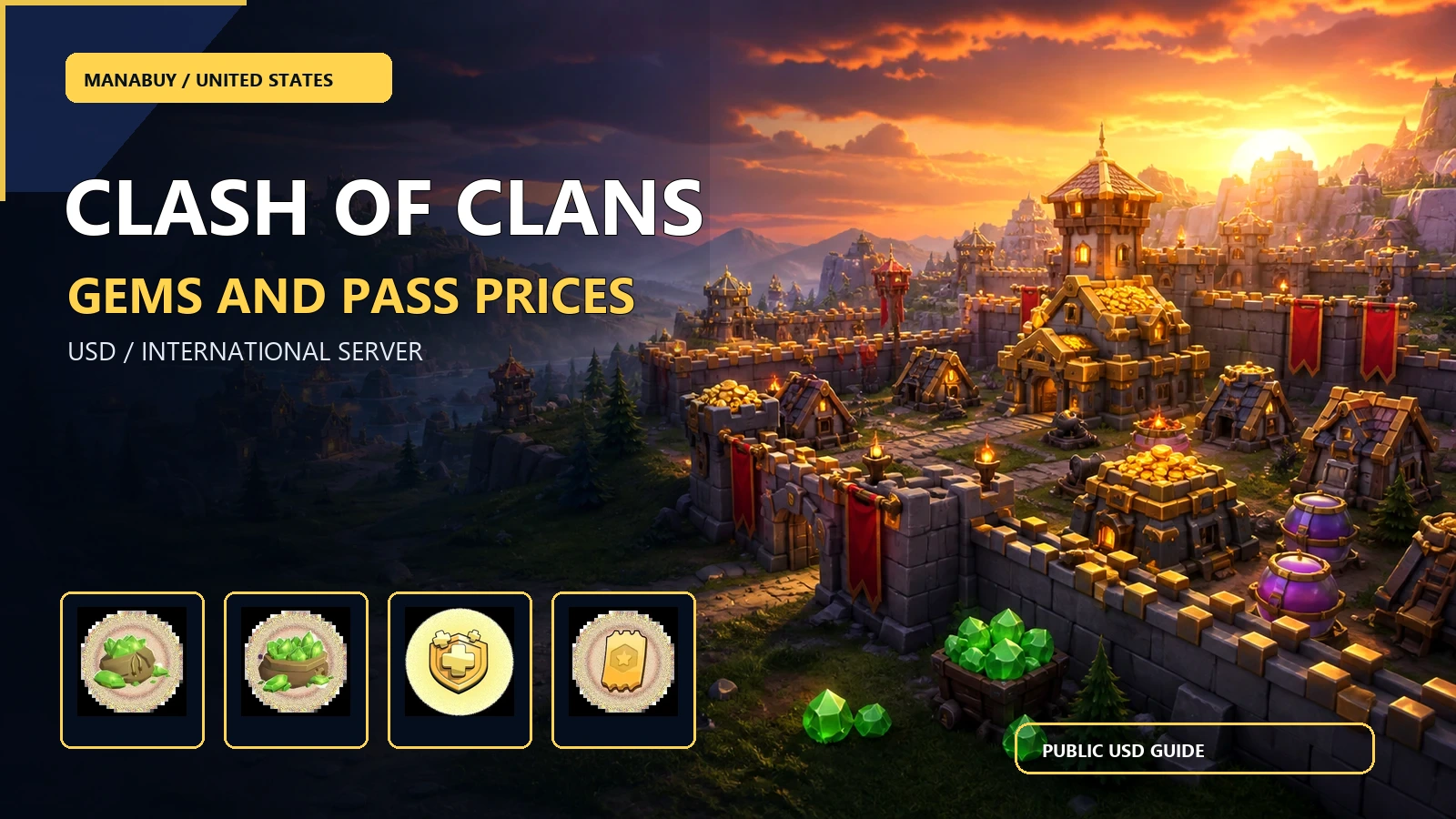
Use the Clash of Clans product page with USD selected. Compare the exact public card price and displayed official price for the same item. The verified cards show $9.45 for 1200 Gems, $18.90 for 2500 Gems, $6.62 for Gold Pass and $4.73 for Event Pass.
| Product | Best match | Public USD price |
|---|---|---|
 1200 Gems 1200 Gems | Defined Gem balance | $9.45 |
 Gold Pass Gold Pass | Current season progression | $6.62 |
Step 3: check the payment total
Choose a method displayed at checkout. A verified 1200 Gems sample displayed PIX, Google Pay and Apple Pay, with a 3.60% fee and $9.80 final total from a $9.45 product amount. Recheck the live line because the total can vary with method and context.
Step 4: prepare the Login Top-Up fields
Enter the linked Supercell ID email and character nickname in the secured order form. Provide a one-time verification code only when the protected flow requests it. Do not provide the email password, and do not publish any account field.
Step 5: stay logged out during processing
ManaBuy uses Login Top-Up for this route. Keep Clash of Clans logged out while the order is processing so the handoff is not interrupted. Wait for the order status to become Completed before checking the village.
Step 6: verify delivery
After completion, sign in and check the Gem balance, season track or event reward that matches the purchased product. If the reward is missing, keep the original order number and receipt, and contact support before opening a second order.
Security after delivery
Remove saved sensitive notes from shared devices, change the account password if the account policy recommends it, and mosaic identifiers in any public example.
FAQ
Do I need a server selector?
The page identifies International Server applicability and does not show a separate server field.
Can I buy a pass with the Gems price logic?
No. Gems have a fixed quantity; passes unlock reward tracks.
When can I log back in?
After ManaBuy marks the order Completed and the delivery notification is visible.
What if the final USD total changed?
Stop and recheck the selected product, method, fee and total before paying.
Use the US product page as the purchase reference
ManaBuy serves the United States route in USD. The product card is the place to compare the normal ManaBuy selling price with the displayed official price for the same Clash of Clans item. Checkout is a separate step: it shows the payment method, the fee line and the final amount. Keeping those fields separate makes the recommendation easy to audit without exposing private account data.
Clash of Clans uses Login Top-Up on this product. The page requests the linked Supercell ID email and the village character nickname. A one-time email verification code may be requested in the secured order flow. These details belong only in the order form. Never publish a real email, verification code, account password or player identifier in an article, screenshot or public comment.
ManaBuy is useful when the player already knows the village goal and wants a clear USD product choice. Gems are a flexible balance. Gold Pass is tied to season progression. Event Pass is tied to a specific active event. The best choice is therefore the matching outcome, not simply the item with the lowest sticker price.
Keep product choice and checkout choice in order
First identify the exact item shown in the village shop. Then open the matching ManaBuy row in USD. Finally select a payment method and read the fee and final total before authorising. Changing the product after looking at the fee can create a false comparison, because a cheaper pass does not solve the same Gem or season objective.
For support, keep the SKU, order number, payment method, fee, final total and private offer context together. If an image is shared publicly, mosaic all account and payment identifiers. One order and one evidence trail are safer than opening duplicate requests while the first order is still processing.
Continue with Clash of Clans on ManaBuy
- ManaBuy Clash of Clans Prices in the US: Gems and Passes in USD
- Clash of Clans Payment Methods and Fees in the US on ManaBuy
- Clash of Clans Payment or Login Top-Up Failed in the US
Ready to check Clash of Clans in USD?
Open the product page, match the exact pack or price tier, prepare the secured Login Top-Up fields and read the final total before payment.



Copyright © FUTURE OUTLOOK TECHNOLOGY LIMITED.Company Registration No.: 77374965 All rights reserved.UNIT 135,1/F.,143 WAI YIP STREET,KWUN TONG HK