
Quick answer: secure your account, download only the resources you need, and favor a stable frame rate over maximum graphics. Build a comfortable HUD, change one sensitivity setting at a time, and use public Multiplayer to learn aiming, movement, maps, and objective play. Develop one close-to-mid-range loadout before copying specialized builds. In Battle Royale, survive through good drops, cover, information, and early rotations; in DMZ: Recon, enter with an extraction plan. Save CP until you understand the live price, reward, and regional account that will receive it.
What kind of game is Call of Duty: Mobile?
Call of Duty: Mobile is a free-to-play mobile first-person shooter that combines classic 5v5 Multiplayer, large Battle Royale matches, Ranked play, seasonal playlists, and other rotating experiences. The official site currently also features DMZ: Recon, a PvPvE extraction mode where players loot, survive, and attempt to extract.
The game has many maps, weapons, attachments, perks, scorestreaks, operators, and downloadable resources. That variety can make a new account feel more complicated than the shooting itself. The fastest way to improve is to create a stable baseline: controls you can repeat, performance your device can sustain, one understandable weapon, and a mode-specific goal for every match.
Evergreen approach: weapons, balance, playlists, maps, Ranked rules, and seasonal rewards can change. This guide teaches decisions that remain useful across updates instead of promising a permanent “best gun” or copying one season’s exact meta.
Set up Call of Duty Mobile before your first real match
Do not judge aim or recoil while the game is still downloading resources, overheating the device, or changing graphics in the background. Finish the essential download, connect the account to a recovery method supported by the game, and test the device on a stable network before tuning controls.
| Setting area | Beginner starting point | What to watch | Change only when… |
|---|---|---|---|
| Graphics and frame rate | Choose visuals the device can hold smoothly through a full match. | Heat, stutter, battery drain, and frame drops during fights. | Several matches remain stable or performance clearly fails. |
| HUD layout | Keep movement, fire, aim, crouch, jump, reload, and utility reachable without blocking vision. | Buttons you miss, accidental taps, and fingers covering targets. | The same input problem repeats across multiple matches. |
| Sensitivity | Use a moderate baseline and test short, medium, and long turns. | Overshooting targets, slow 180-degree turns, and unstable tracking. | You can name the exact motion that feels wrong. |
| Audio | Make footsteps, shots, and game cues clear enough to use. | Distortion, voice-chat imbalance, or missed directional cues. | You know whether the issue is volume, device output, or awareness. |
| Downloads | Install the maps and content you actually play first. | Storage pressure and resources still downloading before a queue. | A mode, map, or visual asset you need is unavailable. |
The official App Store listing describes adjustable controls, multiple HUD options, and optional content downloads. Use that flexibility gradually. A new layout every match prevents muscle memory; one small change followed by several tests produces useful evidence.
Which Call of Duty Mobile mode should a beginner play?
Start with the mode that teaches the skill you need. Multiplayer offers frequent fights and short feedback loops. Battle Royale adds looting, rotations, vehicles, longer sightlines, and survival decisions. DMZ: Recon adds AI and player threats, loot value, and extraction risk. These are related shooters, but success in one does not automatically teach every decision in the others.
If you are still deciding where to begin, compare the match flow, difficulty, loadouts, and risk in our COD Mobile modes guide.
Best for repeated gunfights, control practice, map routes, objectives, weapon testing, and scorestreak awareness.
Best for drop planning, looting discipline, squad spacing, information, rotations, vehicles, and final-circle decisions.
Best for risk assessment, PvPvE awareness, loot choices, coordinated movement, and extracting instead of chasing every fight.
Best after your controls, loadout, and objective habits are consistent enough that each loss teaches something specific.
How do you improve aim and movement in COD Mobile?
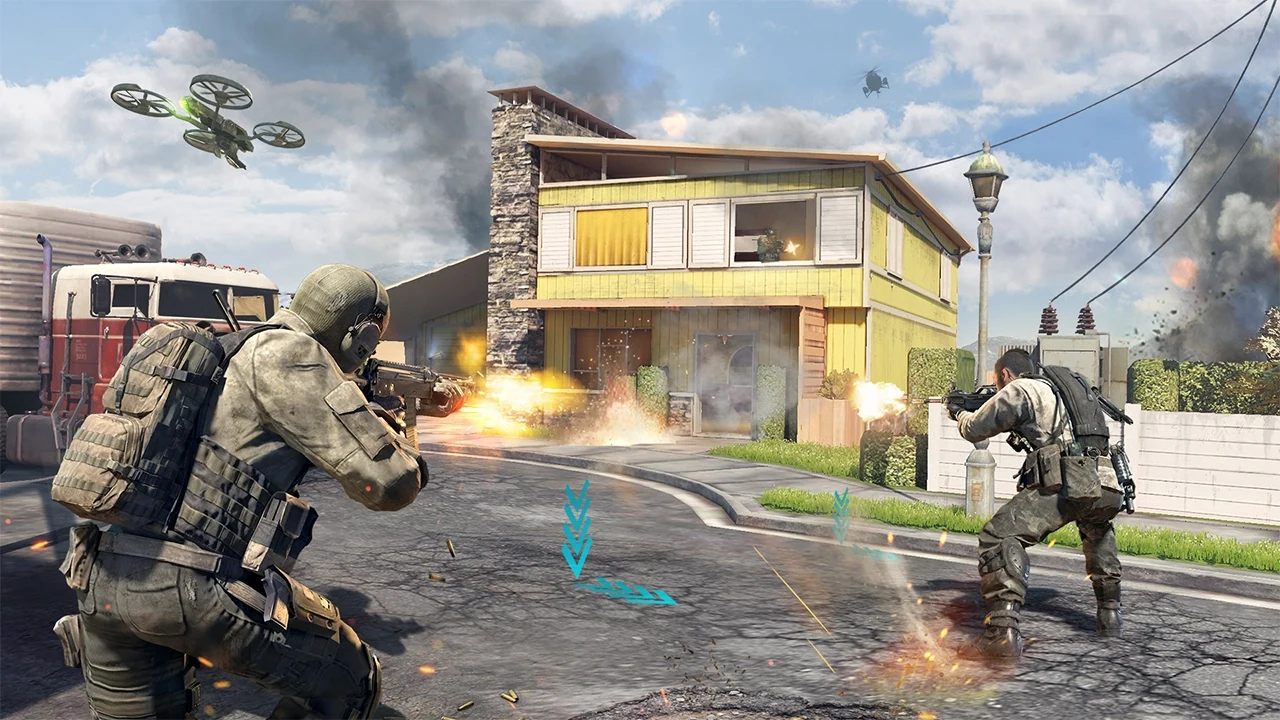
Aim is not only sensitivity. Good players reduce how far they must correct by placing the crosshair where an opponent is likely to appear, moving from cover to cover, and entering a sightline ready for the expected distance. Practice these habits before chasing advanced movement combinations.
- Center before the fight. Keep the crosshair near likely chest or head height instead of pointing at the ground.
- Pre-aim common entrances. When approaching a corner, prepare for the most likely enemy position rather than reacting from a neutral screen.
- Use cover as a boundary. Expose only the angle needed to check a lane; avoid standing in the center of several enemy sightlines.
- Control the first burst. Learn how the chosen weapon rises or spreads before holding fire through every distance.
- Move with a purpose. Sprint to cross safe space, slow down before a contested angle, and avoid repeating a predictable route after dying there.
- Read the minimap and audio. Teammate positions, shots, objectives, and sound cues tell you where a fight is likely to begin.
Useful practice test: play several public matches with the same weapon and HUD. After each match, write one repeated error—overshooting, late aiming, poor cover, reload timing, or ignoring the objective—and change only the setting or habit connected to that error.
How should a beginner build a COD Mobile loadout?
Begin with the weapon’s job, not a screenshot of someone else’s attachment screen. Decide whether the loadout should win close fights, hold medium lanes, support long-range picks, or stay flexible. Attachments should strengthen that job while keeping the downsides manageable for your hands and device.
A practical first loadout is a controllable close-to-mid-range primary, a secondary you can use under pressure, equipment you remember to throw, perks that match your movement and objective plan, and scorestreaks you can earn consistently. A higher-cost streak that never activates teaches less than a reliable streak that improves information or objective pressure.
| Loadout problem | First check | Better response | Avoid |
|---|---|---|---|
| Recoil feels uncontrollable | Range, burst length, sensitivity, and attachment penalties. | Use a more stable build and practice the intended distance. | Adding every recoil attachment without checking mobility or aim speed. |
| You lose before aiming | Crosshair placement, sprint timing, aim speed, and the route taken. | Prepare earlier and simplify the weapon for the range you actually fight. | Blaming damage when the enemy fires first every time. |
| You cannot hold an objective | Equipment use, cover, teammate spacing, reload timing, and streak selection. | Build for repeatable objective pressure, not only isolated kills. | Running a long-range build into every close objective. |
| A copied build feels bad | The creator’s mode, device, skill, range, and playstyle. | Keep the useful idea and rebuild around your own repeated fights. | Treating a meta build as mandatory for every player. |
| You spread upgrades too widely | How many weapons are being leveled before one feels usable. | Finish one dependable weapon, then add a contrasting backup. | Changing weapon after every loss and learning none of them. |
Multiplayer objective tips for new players
In Team Deathmatch, preserving a life can matter as much as taking one. In Domination and Hardpoint, kills are useful when they open space, stop a capture, protect a rotation, or keep teammates alive on the objective. Search & Destroy rewards patience, information, utility, and surviving long enough for the round plan to develop.
Learn spawn direction through teammate positions and recent enemy contact rather than memorizing one permanent diagram. Maps and modes create different spawn behavior, and a route that works in public TDM may fail in an objective or Ranked match. When the enemy repeatedly appears behind you, review your own team’s position and how far the push extended.
- Enter an objective with equipment or teammate pressure instead of walking through the same exposed door alone.
- Reload behind cover and only when the remaining magazine cannot support the next likely fight.
- Rotate toward the next objective early when staying for one extra kill would leave the team late.
- Use simple callouts tied to a landmark or direction; avoid filling voice chat with blame.
- After death, ask whether the mistake was position, information, aim, timing, or loadout.
Battle Royale beginner priorities
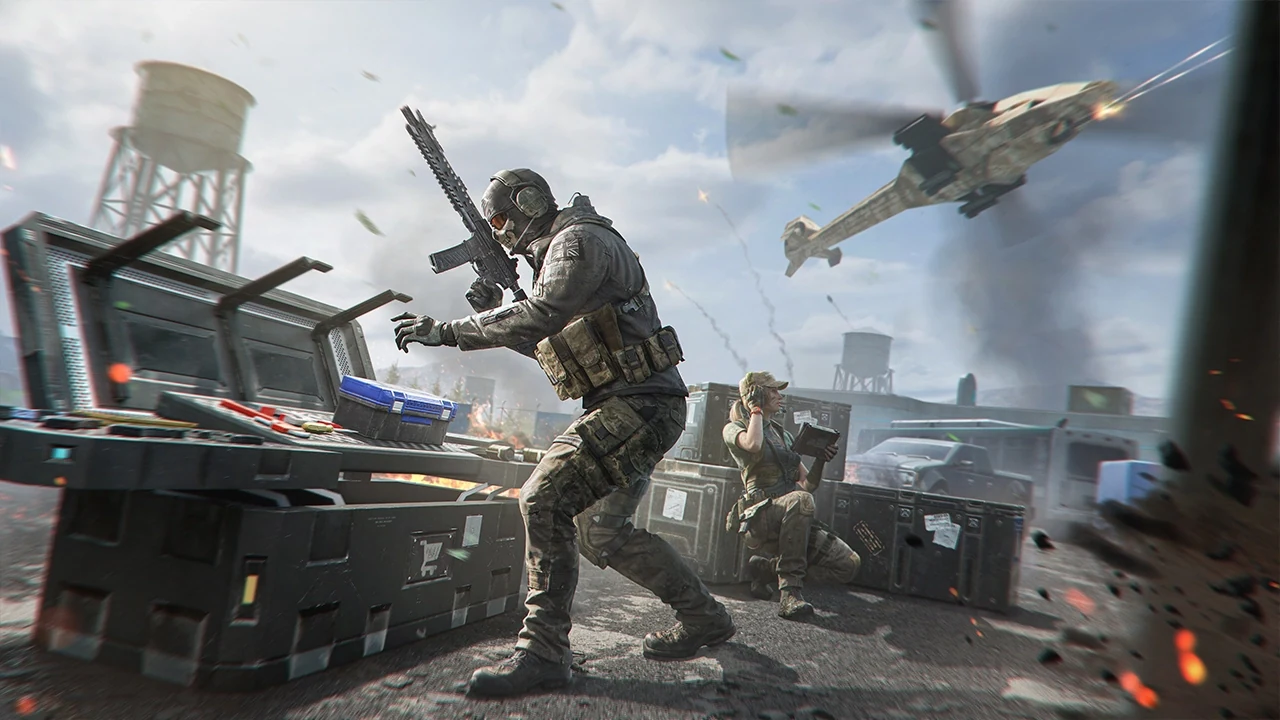
Battle Royale gives you fewer repetitions per minute, so early decisions matter. Pick a landing area with enough loot for the squad without forcing every match into an immediate coin flip. Stay close enough to trade or revive, but not so close that one explosive or angle catches everyone. Once basic gear is secured, begin thinking about the next safe position before the circle forces a rushed move.
Choose a location based on squad confidence, loot access, nearby teams, and the route out.
Prioritize a usable weapon pair, ammunition, armor or recovery, and the mode tools you understand.
Ping enemies, useful items, vehicles, and intended movement before the squad separates.
Move early when terrain, the circle, or known enemies would make the late path dangerous.
Use terrain and buildings to reduce the number of directions that can shoot you.
Value information, cover, and squad health above a low-value chase outside the winning position.
How should beginners approach DMZ: Recon?
The official COD Mobile site describes DMZ: Recon as PvPvE extraction combat that can be played solo or with a squad of three. The important word is extraction. A match is not successful only when every visible enemy is defeated; survival, useful loot, progression, and leaving at the right time are part of the objective.
Before entering, decide what you are willing to risk and what result would make the run worth extracting. During the match, distinguish AI contact from likely player behavior, keep an exit route in mind, and avoid turning one small objective into an endless fight that attracts more teams. If the squad has completed its goal, a safe extraction can be better than one final unnecessary engagement.
Progression, Ranked, events and your first week
Public matches earn experience and help unlock weapons, attachments, perks, and other loadout options. Ranked adds competitive stakes and seasonal rewards, while events and challenges rotate. Do not let every event task pull you away from fundamentals; select tasks that overlap with the modes and weapons you already need to practice.
| Stage | Main focus | Practical checkpoint |
|---|---|---|
| Account setup | Link a supported login and confirm the exact regional account. | You can recover the account and identify the character used for purchases. |
| Performance test | Choose stable graphics, frame rate, downloads, and network conditions. | A full match runs without repeated stutter or missing content. |
| Control baseline | Place core buttons, test sensitivity, and keep the layout consistent. | You can aim, fire, move, reload, crouch, jump, and use equipment without searching. |
| Main loadout | Develop one controllable weapon for the range you meet most often. | You understand what each attachment changes and when the build should fight. |
| Mode learning | Practice Multiplayer fundamentals, then add BR or DMZ decisions separately. | You can name one mode-specific mistake after a loss. |
| Objective habits | Use cover, information, timing, equipment, and team positioning. | Kills increasingly support the match objective instead of replacing it. |
| Ranked and events | Enter Ranked after the baseline is repeatable; choose overlapping event tasks. | Progression supports practice instead of changing your plan every match. |
CP and top-up safety in Call of Duty Mobile
CP is a paid currency, so decide the exact live item or offer before buying. A cosmetic draw, Battle Pass, bundle, or other store route can use different rules and values; read the in-game details and regional price instead of relying on an old screenshot. Set a maximum budget before the first purchase, especially for randomized reward paths.
ManaBuy’s current Call of Duty: Mobile page uses login delivery and asks for the login method, account, password, and character name. Confirm that the selected account is the one that should receive the CP, complete only the fields requested by the order you intentionally placed, and be ready for a legitimate login approval or verification step through that order flow.
Top-up safety: confirm the genuine ManaBuy domain, use a unique password, and change it after login delivery if your security routine calls for it. If CP is not visible, refresh the game once and contact support through the order page instead of placing a duplicate order or sending a code to an unsolicited contact.
Considering a Call of Duty: Mobile top-up? Check the current CP options, delivery method, and required account information before paying.
Check Call of Duty: Mobile top-up detailsCall of Duty Mobile beginner FAQ
Is Call of Duty: Mobile free to play?
Yes. Activision describes it as free to play, with optional paid content. You can learn the core modes and progress without buying CP; paid offers should be evaluated against their live contents and your budget.
What mode should a COD Mobile beginner play first?
Use public Multiplayer for frequent gunfights, control practice, and map learning. Add Battle Royale for looting and rotations, and DMZ: Recon when you are ready to manage PvPvE risk and extraction decisions.
What is the best gun for a beginner?
There is no permanent official best weapon across every update and range. Start with a controllable weapon suited to the fights you take most often, learn its recoil and timing, then add a contrasting second option.
Should I copy a pro player’s sensitivity?
Use it only as a reference. Device size, frame rate, finger layout, aim method, and habits affect sensitivity. Adjust one variable at a time based on a repeated problem such as overshooting or slow turns.
When should I start Ranked in COD Mobile?
Start when your controls and main loadout are stable enough that you can focus on objectives, positioning, and team information. Public matches remain useful for testing major changes.
What should I check before buying COD Points?
Verify the regional account, character, live CP option, final price, delivery method, and the exact in-game item you plan to use CP on. Set a budget and never place a duplicate order to solve a delay.
A strong COD Mobile start is deliberately simple: stable performance, reachable controls, one understandable loadout, useful aim and cover habits, and a clear objective for each mode. Build that baseline first; new weapons, seasonal content, and Ranked pressure become much easier to evaluate afterward.
For future news and guides, visit the Call of Duty: Mobile blog hub.
Official sources
- Call of Duty: Mobile official website
- Call of Duty official Mobile game page
- Activision Support: Call of Duty: Mobile installation and access
- Activision Support: Call of Duty: Mobile FAQ
- Apple App Store: official Call of Duty: Mobile listing
- Google Play: official Call of Duty: Mobile listing
Device requirements, downloadable resources, maps, modes, weapon balance, Ranked rules, events, prices, and purchase flows can change. Verify time-sensitive details in the live game and Activision’s official support pages.